

















Lost Signal, Never Lost: Set Up Your Phone for Offline Travel
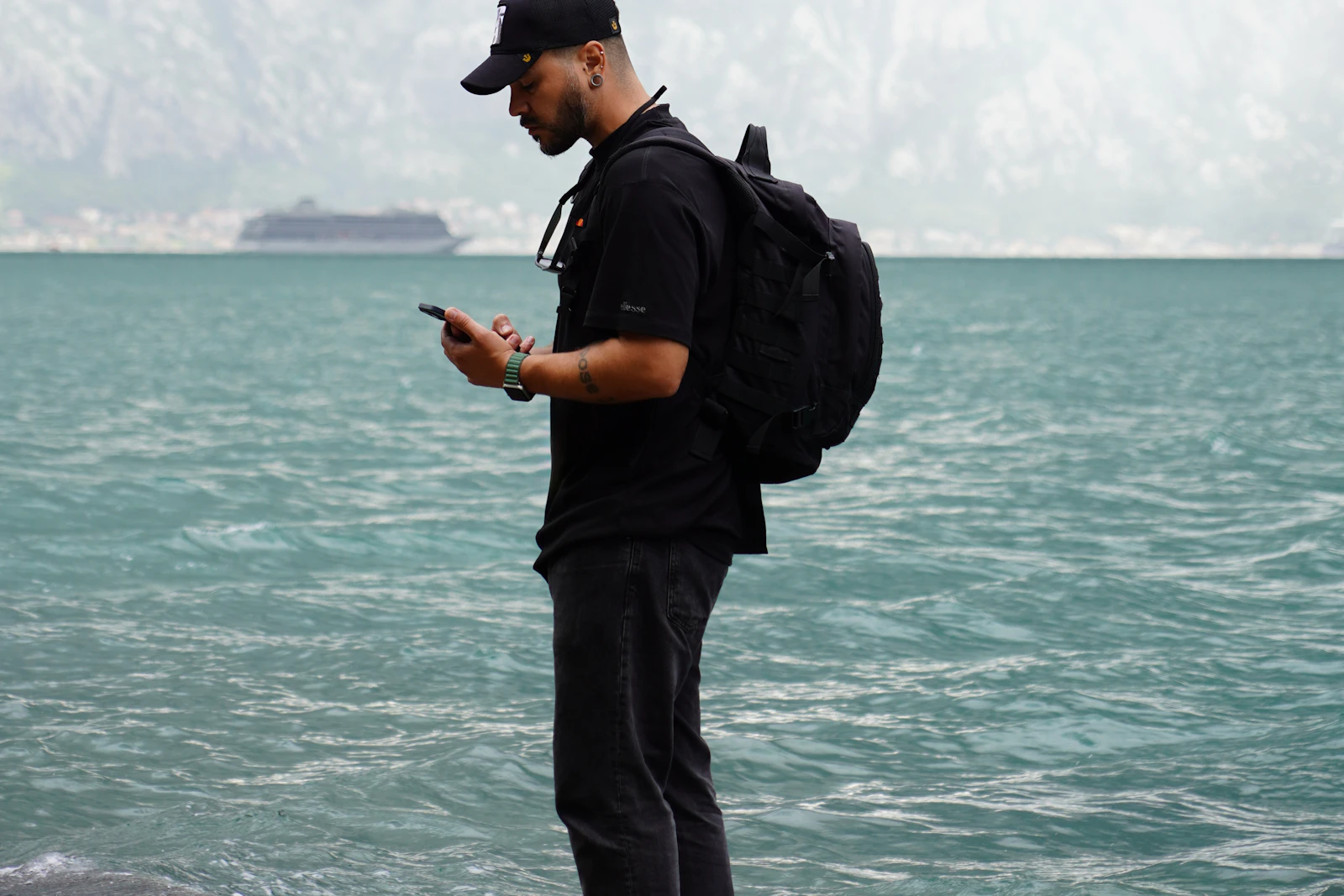
Namaste, friends. Dev here, standing on a gorgeous foreign street corner with zero signal and a map app spinning forever. Never again. With a little preparation before you travel, your phone can guide you, translate for you and hold your tickets even when the internet disappears. Here is how to set up your phone as the perfect offline travel companion.
Download Offline Maps
Most major map apps let you download areas for offline use. Before your trip, while on good Wi-Fi:
- Open your map app and search for your destination city or region.
- Look for the option to download an offline map or area, and select the region you need.
- Save your hotel, key sights, restaurants and the airport or station as favourites or starred places.
Offline maps usually still show your location using GPS, even without data. Some apps also offer offline driving directions. Downloaded areas may expire after a while, so refresh them before each trip.
Offline Translation
Translation apps often let you download language packs for offline use. Download the languages you need before you go. Camera translation, where you point your phone at a menu or sign, can be magical in a restaurant. A few words in the local language, like hello, please and thank you, are still the best icebreaker.
Tickets and Documents
- Add boarding passes and tickets to your phone’s wallet app where possible; they usually work offline.
- Take screenshots of important bookings, confirmation numbers and addresses.
- Save PDFs of hotel bookings and insurance documents to your phone’s files for offline access.
- Keep a photo of your passport in a secure, private folder, plus a paper copy in your bag.
Entertainment for the Journey
Download playlists, podcasts, series and e-books before you leave. Long flights, train rides and ferry crossings are much nicer with your favourite content ready to go. Check how long downloads remain available in each app.
Stay Connected Without a Fortune in Roaming
- Check your mobile plan’s roaming charges before you travel.
- Consider a local SIM card or an eSIM data plan for your destination, if your phone supports it.
- Turn off data roaming if you want to avoid surprise charges, and use Wi-Fi when available.
- Use a VPN on public Wi-Fi for extra privacy.
Protect Your Battery
Navigation and photos drain your battery fast. Carry a power bank and cable, turn on low-power mode on long days, and lower screen brightness. Downloading maps and media beforehand also saves battery, since your phone does not have to search for signal and stream constantly.
Safety Settings
- Set up your emergency contacts and medical information on your phone.
- Note the local emergency number for your destination.
- Share your live location with a trusted friend if you are travelling solo.
- Make sure Find My Phone or a similar feature is switched on.
A Quick Pre-Trip Checklist
- Offline maps downloaded and places saved.
- Language pack downloaded.
- Tickets in wallet, screenshots taken.
- Entertainment downloaded.
- Phone updated and backed up.
- Power bank charged.
Lost signal, never lost. It is not a bug, it is a feature. Namaste.
Comments
Be the first to leave some love.

 The Captain Look






Leave a comment