

















Is That Message a Scam? How to Spot the Tricks and Stay Safe
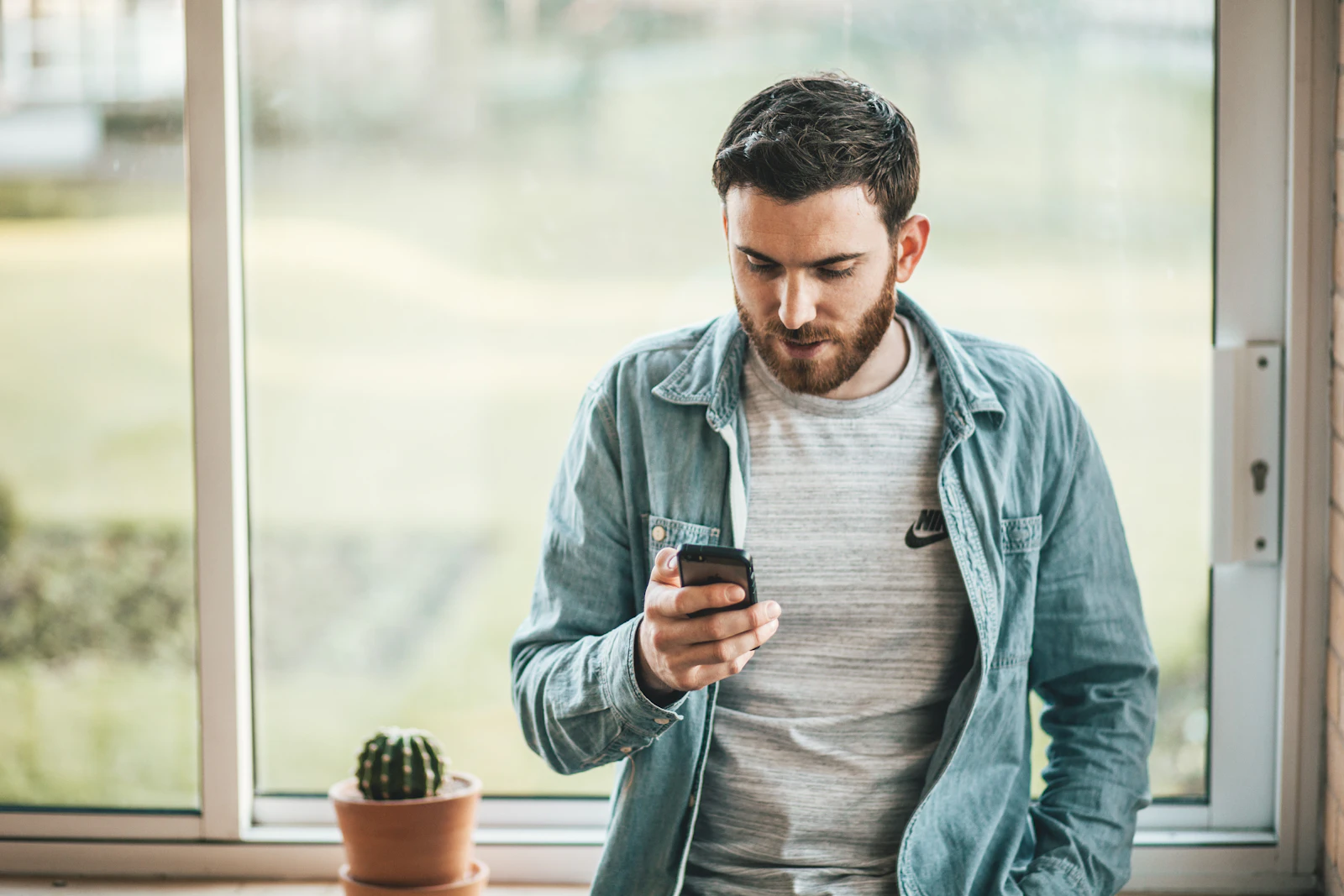
Namaste, friends. A text says your parcel is stuck. An email claims your account has been locked. A message from “your bank” asks you to confirm a code, urgently. Scams have become slick, and anyone can be caught out. Dev’s guide to spotting the tricks, staying calm and protecting yourself, whatever device you’re on.
The Classic Signs of a Scam
- Urgency: “Act now”, “within 24 hours”, “your account will be closed”. Pressure is the scammer’s favourite tool.
- Unexpected contact: a prize you didn’t enter, a delivery you weren’t expecting, a refund you never asked for.
- A link or attachment: asking you to log in, pay a small fee or “verify” details.
- Requests for codes or passwords: genuine banks and services won’t ask you to share one-time codes or full passwords.
- Odd payment methods: gift cards, cryptocurrency or transfers to a “safe account” are big red flags.
- Something feels a little off: strange sender addresses, slightly misspelled brand names or a tone that doesn’t sound like the company.
The Golden Rule: Don’t Use Their Link
If a message says there’s a problem with an account, never tap the link or call the number in the message. Instead, open the official app, type the company’s web address yourself, or call the number on the back of your card. If the problem is real, you’ll see it there. If not, you’ve just dodged a scam.
Watch Out for Friendly Faces
Some scams pretend to be people you know. “Hi Mum/Dad, I’ve lost my phone, this is my new number” or a friend suddenly asking for money urgently. Call the person on the number you already have before doing anything. A real friend will understand.
On dating and social apps, be careful with matches who quickly move the conversation to another app, avoid video calls, and then bring up money, investments or emergencies. Romance scams target people of every orientation, and our community is no exception. A genuine connection never needs your bank details.
Settings That Help
- Turn on spam filtering for calls and messages on your phone.
- Use two-step login on important accounts, so a stolen password alone isn’t enough.
- Keep your phone and apps updated; updates close security holes.
- Set up alerts in your banking app so you see every payment straight away.
If You Think You’ve Been Caught
- Contact your bank immediately using the official number, especially if you shared card details or sent money.
- Change your passwords for the affected account and any others that use the same password.
- Check your accounts for logins or payments you don’t recognise.
- Report it. Most countries have an official reporting service for fraud, and most phones let you report spam messages.
Then be kind to yourself. Scams are designed by professionals to fool smart people. Embarrassment keeps victims quiet, and silence helps scammers. Tell your friends what happened; it might save one of them.
Pause, check, then act. That two-second pause is the strongest security software you own. It’s not a bug, it’s a feature. Namaste.
Comments
Be the first to leave some love.

 The Captain Look





Leave a comment