

















Your Phone as Co-Pilot: How to Set It Up Safely for Driving
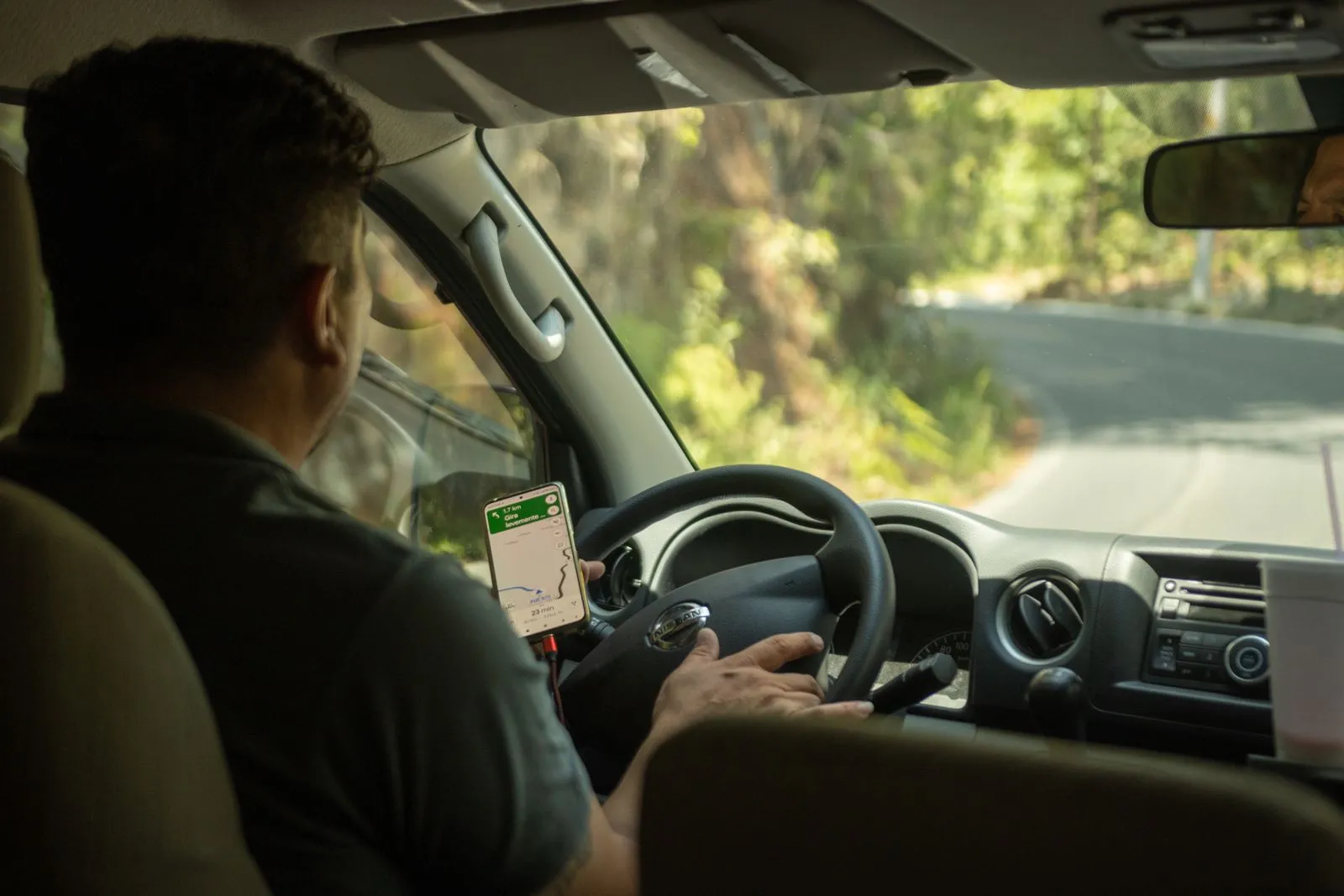
Namaste, friends. Your phone is a brilliant co-pilot: maps, music, podcasts, hands-free calls. But it can also be the most distracting passenger in the car. The good news is that with a little setup, your phone can make every drive smoother and safer. Here’s Dev’s calm, geeky guide to getting your phone road-ready before you turn the key.
Rule Number One: Eyes on the Road
In many countries, holding and using a phone while driving is illegal, and even hands-free use can be restricted or penalised if you’re not in control of the vehicle. Rules vary, so check the law where you live and where you travel. The aim of everything below is simple: set it and forget it, so your hands stay on the wheel.
Choose the Right Mount
- Dashboard or windscreen mounts: place the phone near your line of sight so a quick glance is enough. Make sure it doesn’t block your view of the road and check local rules about windscreen placement.
- Air-vent mounts: compact and easy, but check they grip firmly and don’t block airflow or controls.
- Magnetic mounts: super convenient. Some phones and cases are designed to snap onto magnetic chargers and mounts.
- Charging mounts: combine holding and wireless charging, handy for long trips with navigation running.
Whatever you choose, mount the phone securely so it doesn’t fall into a footwell mid-roundabout.
Connect to the Car Properly
- Pair Bluetooth for calls and audio, so you can use the car’s speakers and steering-wheel buttons.
- Use your car’s phone mirroring system if it has one. Many modern cars support Apple CarPlay or Android Auto, which show maps, music and messages on the car screen with simplified, driving-friendly layouts.
- Keep a good cable in the car if your connection is wired. Cheap, worn cables often cause the annoying random disconnects.
Turn On Driving Focus
Most phones have a driving mode or focus setting that silences notifications, auto-replies to messages and can turn on automatically when the phone connects to your car’s Bluetooth or detects driving. Set it up once:
- Allow calls only from favourites or emergency contacts.
- Write a friendly auto-reply, like “Driving, will reply when I’ve parked!”
- Let navigation apps still speak directions.
It’s not a bug, it’s a feature: fewer pings, more peace.
Prepare Navigation Before You Move
- Enter your destination while parked, and check the route overview.
- Turn on voice guidance so you don’t need to look at the screen often.
- Download offline maps for areas with poor signal, especially on rural or mountain roads.
- Set up saved places like Home and Work for one-tap routes.
Set the Soundtrack in Advance
Queue a playlist, podcast or audiobook before setting off. Use voice assistants or steering-wheel buttons to skip tracks. If you have a passenger, appoint them official DJ. Fiddling with apps at the lights is still distraction.
Power and Heat
- Use a decent car charger with enough power for navigation plus charging.
- Don’t leave your phone baking on the dashboard in a parked car. Heat is bad for batteries.
- Carry a small power bank for long trips, just in case.
Safety Extras Worth Switching On
- Crash detection and emergency SOS features, if your phone offers them.
- Emergency contacts and medical information on your lock screen.
- Location sharing with someone you trust on long solo journeys.
A few minutes of setup turns your phone from a distraction into a calm, helpful co-pilot. Mount it, connect it, silence it, and enjoy the open road. Namaste, and drive safely.
Comments
Also give your opinion.

 The Captain Look






Leave a comment