

















How to Choose a Computer Monitor Without Drowning in Specs
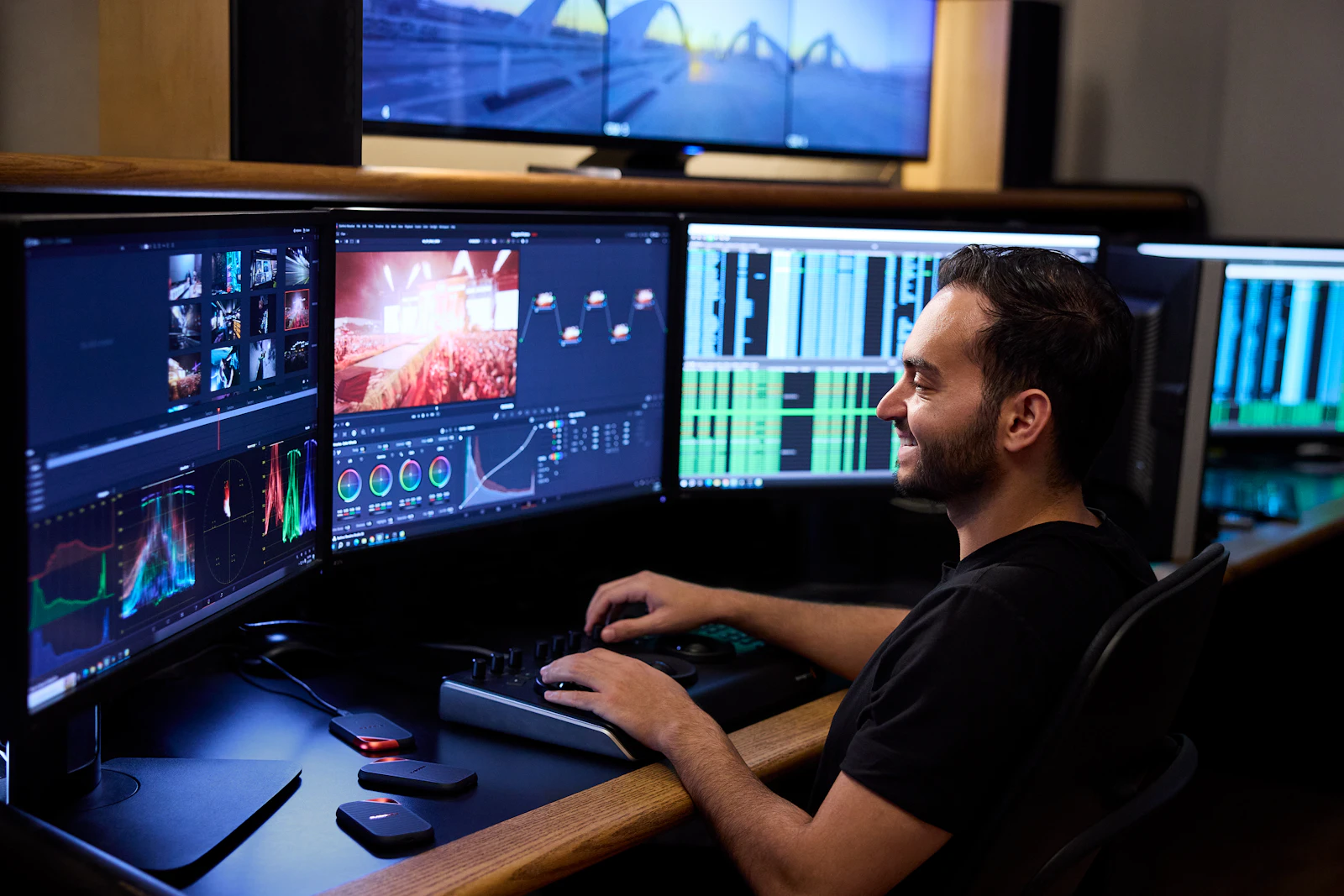
Namaste, friends. Buying a monitor can feel like reading a spaceship manual: panels, hertz, nits, pixels. Dev Kamal is here to translate. A good screen makes work easier, games smoother and your eyes happier, and you do not need the most expensive one to get there.
Step One: Decide What It Is For
- Everyday work and browsing: comfort and sharp text matter most.
- Photo and video editing: colour accuracy becomes the star.
- Gaming: fast refresh and quick response win.
Most of us are a mix, so look for the sweet spot rather than the extreme.
Size and Resolution, the Happy Couples
- 24 inches with Full HD (1920 x 1080): affordable and fine for a small desk.
- 27 inches with QHD (2560 x 1440): the popular sweet spot. Crisp text and plenty of space for two windows side by side.
- 27 to 32 inches with 4K (3840 x 2160): beautifully sharp, great for creative work and big spreadsheets, but asks more of your computer.
- Ultrawide: lovely for timelines and multitasking if your desk is deep enough.
Panel Types Without the Jargon
- IPS: good colours and viewing angles. A safe all-rounder.
- VA: deeper blacks and strong contrast, nice for films.
- OLED: stunning contrast and colour, usually pricier. Follow the maker’s care advice to keep it looking its best.
Refresh Rate: Do You Need 144Hz?
Refresh rate is how many times per second the picture updates. 60Hz is fine for office work. 120Hz and above feels silky when scrolling and is a big upgrade for gaming. It’s not a bug, it’s a feature you will notice the moment you try it.
Connections That Save Headaches
Check which ports your computer has before you buy. A monitor with USB-C can charge a laptop and carry video through one cable, which is pure desk joy. Otherwise, make sure it has HDMI or DisplayPort that matches your device.
The Stand Matters More Than You Think
Look for height adjustment and tilt. Set the top of the screen at or slightly below eye level, about an arm’s length away. If the stand is basic, a monitor arm or a sturdy riser can fix it.
Eye Comfort Settings
Lower the brightness to match your room, turn on a warmer colour setting in the evening, and keep text large enough that you are not leaning in. Take regular breaks and look into the distance now and then.
Quick Buying Checklist
Before you click “buy”, run through this list:
- Does the size fit your desk depth? Sit at least an arm’s length away.
- Is the resolution sharp enough for the size?
- Does it have the right ports for your computer, or will you need an adapter?
- Can the stand adjust in height and tilt, or does it support a monitor arm?
- Are reviews from reputable testers positive about build quality and uniformity?
- Is the return policy friendly, in case it is not right on your desk?
Spending a little more on a screen you look at for hours every day is usually money well spent.
Choose for how you actually work, set it up kindly, and your desk will thank you. Namaste.
Comments
Also give your opinion.

 The Captain Look






Leave a comment