

















After Dark: How to Take Gorgeous Night Photos on Your Phone
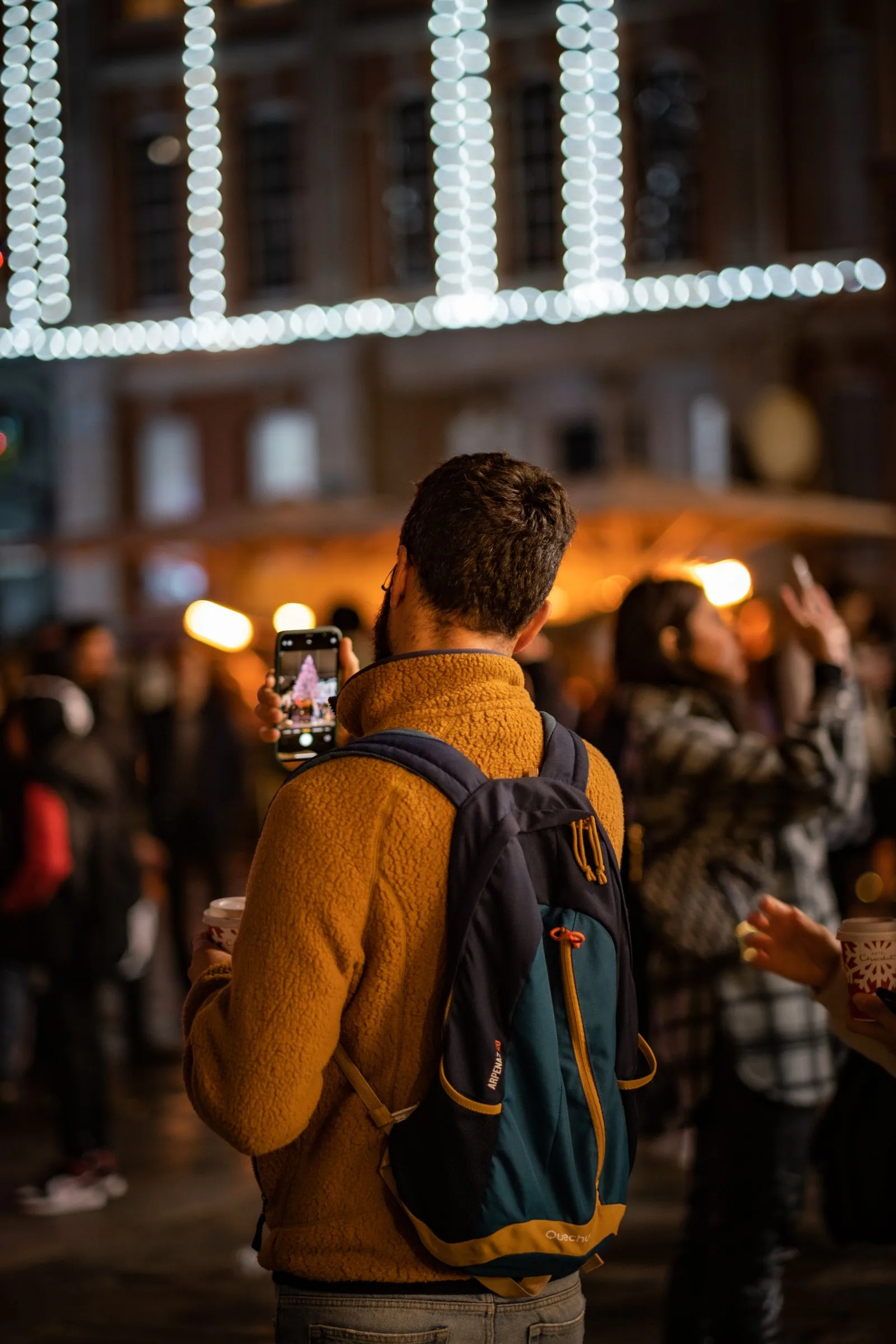
Namaste, night owls. The sun goes down, the city lights come on, you raise your phone for the perfect shot and get… a blurry orange smudge. It’s not a bug, it’s a feature waiting to be used properly. Phones today are surprisingly good in the dark once you know a few tricks, so let’s make your after-dark photos as gorgeous as the night itself.
Let Night Mode Do the Heavy Lifting
Most modern phones have a night mode that switches on automatically when the scene is dark. It takes several pictures over a second or more and blends them into one bright, clean image.
- Look for the moon icon or a timer number near the shutter button. That tells you night mode is active.
- Hold still until it finishes. Moving before the countdown ends is the number one cause of blur.
- Try a longer exposure if your phone lets you slide the timer up. More time usually means more light.
Keep It Steady
Stability is everything at night. A tiny wobble that wouldn’t matter at noon becomes a smear after dark.
- Tuck your elbows into your body and hold the phone with both hands.
- Lean against a wall, a lamppost or a railing.
- Rest the phone on a table, a ledge or your bag.
- A small tripod or a bendy phone stand is a brilliant cheap upgrade, and you can trigger the shot with the timer so your finger doesn’t shake it.
Find the Light, Then Frame It
Night photos are all about where the light falls. Instead of fighting the dark, build your picture around the bright spots.
- Street lamps, neon signs and shop windows make wonderful natural spotlights for a portrait.
- Reflections on wet streets, harbours and pools double the sparkle.
- Blue hour, the short window just after sunset when the sky turns deep blue, gives the most magical city shots. The sky still has colour and the lights are already on.
Tap, Lock and Adjust
Your phone guesses the brightness, and at night it often guesses wrong.
- Tap the brightest important part of the scene to focus there.
- Slide the exposure down slightly (usually the little sun icon next to the focus box). Darker shadows look richer and the lights won’t burn out into white blobs.
- Long press to lock focus and exposure so they don’t change while you frame.
Skip the Zoom, Clean the Lens
Two quick habits make a huge difference:
- Stay on the main camera. The zoom lenses usually let in less light, so they get noisy and soft at night. Walk closer instead.
- Wipe your lens with a soft cloth. Fingerprint grease turns every light into a hazy glow.
Portraits of Your Friends After Dark
For people shots, put your friend near a light source and ask them to stay still for a moment while night mode works. If your phone has a portrait mode with night support, try it. The flash is a last resort, because it flattens faces and blacks out the background. A friend holding another phone’s torch slightly to the side is a much more flattering trick.
A Gentle Edit to Finish
Open the built-in editor and nudge things lightly: lift the shadows a touch, bring the highlights down, and warm or cool the colour to match the mood you remember. Less is more. You want it to look like the night felt, not like a video game.
Steady hands, smart settings, beautiful nights. Namaste, and happy shooting.
Comments
Also give your opinion.

 The Captain Look






Leave a comment