

















Your Pocket Personal Trainer: How to Choose a Workout App
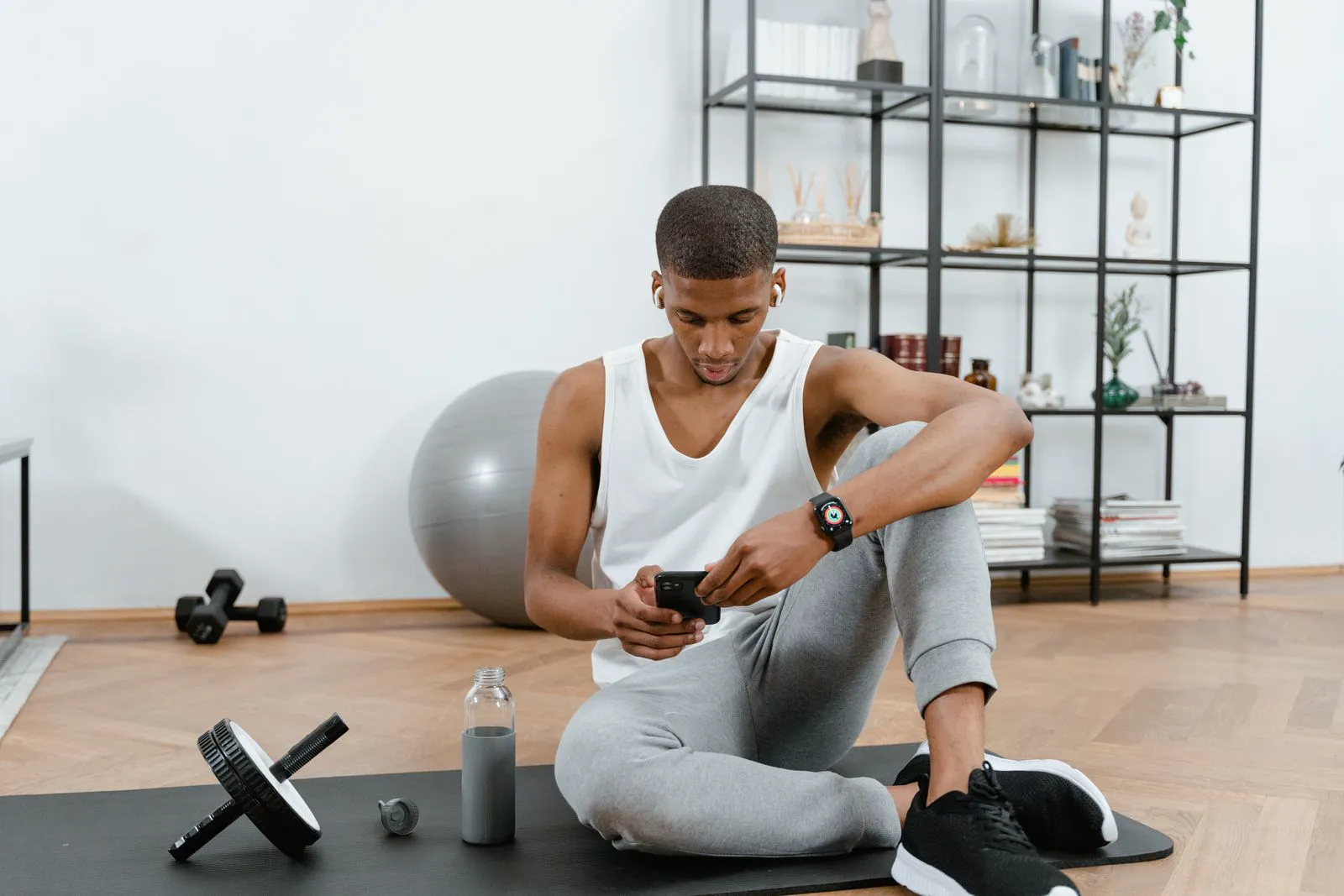
Namaste, fitness friends. Your phone can be the most patient personal trainer you’ll ever have: always available, never judging, and happy to count your reps at six in the morning. But with thousands of workout apps out there, choosing the right one is half the battle. Let the geek corner help you find an app that actually gets you moving.
What Kind of Workout App Do You Need?
- Guided video workouts: follow-along classes for HIIT, yoga, Pilates, dance or bodyweight training. Great for home workouts.
- Strength training planners: build programmes, log sets and weights, and track progress in the gym.
- Running and cycling apps: GPS routes, pace, distance and guided runs with coaching in your ears.
- Couch-to-5K style programmes: step-by-step plans that build you up slowly.
- Yoga, stretching and mobility apps: short sessions for flexibility and recovery.
- All-in-one platforms: a bit of everything, often with a monthly subscription.
Features Worth Looking For
- Beginner levels: clear progressions so you’re not thrown into an advanced session on day one.
- Good exercise demos: videos or animations that show form clearly from different angles.
- Flexible session lengths: ten-minute options for busy days are gold.
- Offline downloads: for gyms with patchy signal or workouts on holiday.
- Equipment filters: tell it what you have, from nothing to a full gym.
- Rest timers and audio cues: so you can keep the phone on the floor and focus on moving.
- Accessibility options: captions, adjustable speed and modifications for injuries or limited mobility.
Try Before You Commit
Most apps offer a free version or a trial. Use it properly:
- Do at least three different sessions before deciding.
- Check whether you like the trainers’ voices and vibe. If they grate on you, you won’t stick with it.
- Look at how easy it is to cancel before you sign up. Set a reminder for the day before the trial ends.
- Watch out for apps that lock basic features behind constant upgrade pop-ups.
It’s not a bug, it’s a feature: the right app should feel like it fits your life, not the other way round.
Sync It Up (Or Don’t)
Many workout apps connect to your phone’s health app, a smartwatch or a heart rate monitor so all your activity lives in one place. Handy! Before you link everything, check the privacy settings:
- Decide which data each app really needs to see.
- Keep workout locations private if you share activity publicly.
- Review connected apps every few months and remove ones you no longer use.
Data Is a Guide, Not a Judge
Streaks, badges and graphs are fun motivators, but they shouldn’t run your life.
- Missing a day doesn’t erase your progress.
- If a streak is causing stress, turn streak notifications off.
- Focus on how you feel: more energy, better sleep, stronger stairs.
- Rest days count. Your body builds strength while it recovers.
Set Up Your Phone for Workouts
- Use a cheap phone stand or lean it against a water bottle at eye level.
- Turn on a focus or Do Not Disturb mode during sessions.
- Cast videos to your TV for a bigger view of the trainer.
- Keep a workout playlist downloaded so the music never drops out.
Our Favourite Way to Start
Pick one app, choose one programme, and commit to three short sessions a week for a month. Consistency beats variety at the beginning. Then explore new classes and challenges once the habit is set.
Download, press play and let your phone cheer you on. Namaste, and happy sweating.
Comments
Also give your opinion.

 The Captain Look






Leave a comment