

















Not Just for Flights: Clever Ways to Use Airplane Mode Every Day
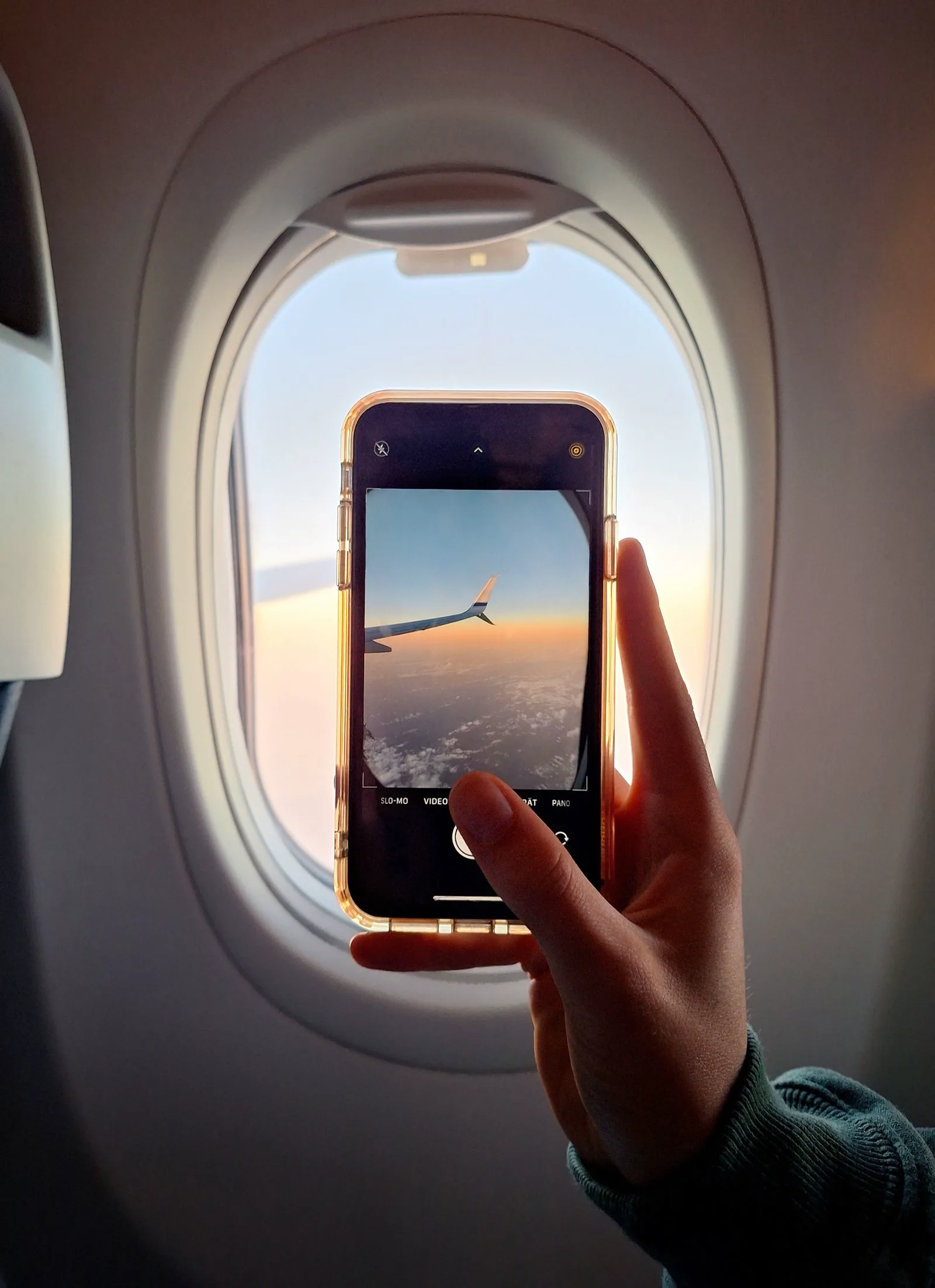
Namaste, darlings. That little plane icon in your phone’s quick settings is the most underrated switch you own. Most of us only tap it when the cabin crew gives us the look, but airplane mode is a tiny superpower on the ground too. It’s not a bug, it’s a feature, and we’re about to show you how to use it like a pro.
What Airplane Mode Actually Does
When you switch it on, your phone stops talking to mobile networks. No calls, no texts, no mobile data. On most modern phones Wi-Fi and Bluetooth switch off too, but here’s the part most people miss: you can turn either of them back on while airplane mode stays active. Your phone will usually remember that choice next time.
So airplane mode isn’t “phone off”. It’s “phone on, but on your terms”. That’s where the fun starts.
Charge Faster When You’re in a Hurry
Your phone spends energy constantly searching for and holding on to a mobile signal. Switch on airplane mode while charging and the battery gets a little head start, because less power is going out while it’s coming in. It won’t turn a slow charger into a rocket, but when you have fifteen minutes before you leave for dinner, every percent counts.
Save Battery Where the Signal Is Weak
A weak signal is a battery thief. On a remote beach, a hiking trail or a boat far from shore, your phone keeps shouting for a tower it can barely hear, and the battery melts away. If you don’t need to be reachable, airplane mode stops the shouting. Keep the camera, offline maps and your music, and save the battery for the photos that matter.
- Download maps and playlists before you leave Wi-Fi.
- Switch on airplane mode once you lose a steady signal.
- Check in with a quick switch-off when you reach a lookout or a café.
Stay Connected Abroad Without Surprises
Travelling and nervous about mobile data abroad? Airplane mode plus Wi-Fi is a simple safety net. Your phone can’t use mobile data at all, but you can still join the hotel or café Wi-Fi for messages, video calls and maps. It’s the easiest way to make sure nothing sneaks onto your bill while you’re sipping something cold by the pool.
Wi-Fi and Bluetooth With Airplane Mode On
Here’s your quick routine for flights and beyond:
- Switch on airplane mode.
- Tap Wi-Fi back on if you want to join a network.
- Tap Bluetooth back on for wireless earbuds or a smartwatch.
Your earbuds keep playing, your watch keeps counting steps, and mobile networks stay quiet.
A Pocket-Sized Do Not Disturb
Sometimes you want proper silence: a long massage, a beach nap, a date where you’d rather look at him than at your screen. Airplane mode is the bluntest, most honest version of “I’m offline”. No calls, no pings, no little buzz in your pocket. Messages simply arrive when you’re ready.
One gentle note: if someone may need to reach you in an emergency, use your phone’s focus or do-not-disturb settings instead, where you can let favourite contacts through.
Fix Small Connection Glitches
Stuck on one bar of signal when everyone else has five? Mobile data spinning forever? Toggle airplane mode on, count to ten, then switch it off. Your phone drops its connection and searches again, often finding a better tower. It’s the “turn it off and on again” trick without the full restart.
A Few Things It Won’t Do
- It won’t make your phone invisible: the GPS chip can still find your location for maps.
- It won’t stop alarms, so your morning alarm still rings.
- It won’t help much if your battery is simply old. That’s a different conversation.
Next time you see that little plane icon, think of it as your phone’s chill button. Quieter, longer-lasting and fully under your control. Namaste, and happy tapping.
Comments
Also give your opinion.

 The Captain Look






Leave a comment