

















Bluetooth Won’t Connect? Easy Fixes for Headphones, Speakers and Cars
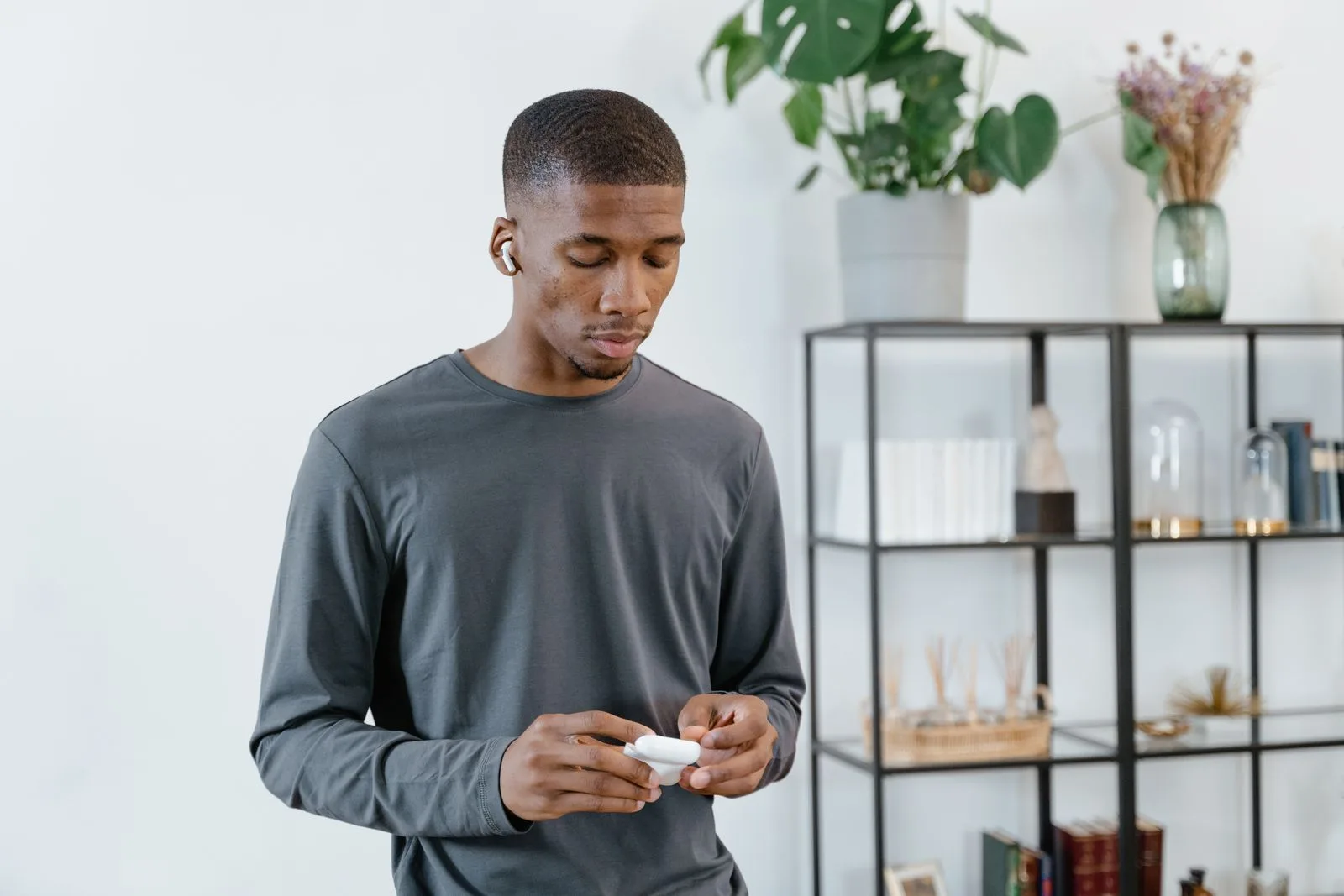
Namaste, friends. You open the case, pop in your earbuds, press play and… silence. Or the speaker at the beach party connects to someone else’s phone. Or your car insists on playing music from a device that left the building months ago. Bluetooth is magic when it works and maddening when it doesn’t. Here is our calm, step-by-step guide to getting things talking again.
Start With the Simple Stuff
Most Bluetooth problems are solved by the boring basics, so try these first, in order.
- Is Bluetooth actually on? Check your phone or laptop settings, not just the quick menu shortcut, which sometimes only disconnects devices rather than turning Bluetooth off.
- Is the device charged? Low battery is the number one cause of dropouts and failed pairing. Charge the earbuds and the case.
- Is it already connected to something else? Many headphones automatically reconnect to the last device they used, like your laptop or tablet. Turn Bluetooth off on the other device.
- Are you close enough? Bluetooth works best within a few metres with no thick walls in the way.
- Turn it off and on again. Restart both the phone and the accessory. It’s a cliché because it works.
Forget and Pair Again
If basics don’t fix it, start fresh.
- Open your Bluetooth settings, find the device, and choose the option to forget or remove it.
- Put the accessory into pairing mode. This usually means holding the power button or a button on the case until a light flashes. Check the manual or the brand’s support page for the exact steps.
- Select it from the list on your phone and pair it again.
Reset the Accessory
Still stubborn? Most headphones, earbuds and speakers have a factory reset, often done by holding one or two buttons for several seconds. This clears their memory of old devices and settings. Afterwards, forget the device on your phone and pair from scratch.
Fix Choppy or Cutting-Out Sound
- Keep your phone close and on the same side of your body as the earbuds, since your body can block the signal.
- Reduce interference. Crowded areas full of wireless devices, busy Wi-Fi routers and microwaves can all disrupt Bluetooth.
- Close heavy apps running in the background, and check that battery-saving mode isn’t throttling Bluetooth.
- Update everything. Install updates for your phone and check the accessory’s companion app for firmware updates. They often fix connection bugs.
Car Troubles
Car systems often store a limited number of devices. If your phone won’t connect, delete old phones from the car’s list, delete the car from your phone, then pair again while parked with the engine running. If a passenger’s phone keeps hijacking the music, ask them to switch Bluetooth off or remove the car from their device.
Laptops and Computers
On computers, check that Bluetooth drivers and the operating system are up to date. If a mouse or keyboard lags, try moving a USB receiver or hub away from the Bluetooth device, and remove and re-add the accessory in settings.
When It’s Really Broken
If one earbud refuses to connect even after a reset, or a device won’t charge or show up at all, contact the brand’s support or the shop. It might be a hardware fault covered by warranty.
Nine times out of ten, a charge, a restart and a fresh pairing is all it takes. And that one stubborn speaker? It’s not a bug, it’s a feature: a lesson in patience. Namaste, and enjoy the music.
Comments
Also give your opinion.

 The Captain Look






Leave a comment