

















Catch the Splash: Burst Mode and Live Photos for Perfect Action Shots
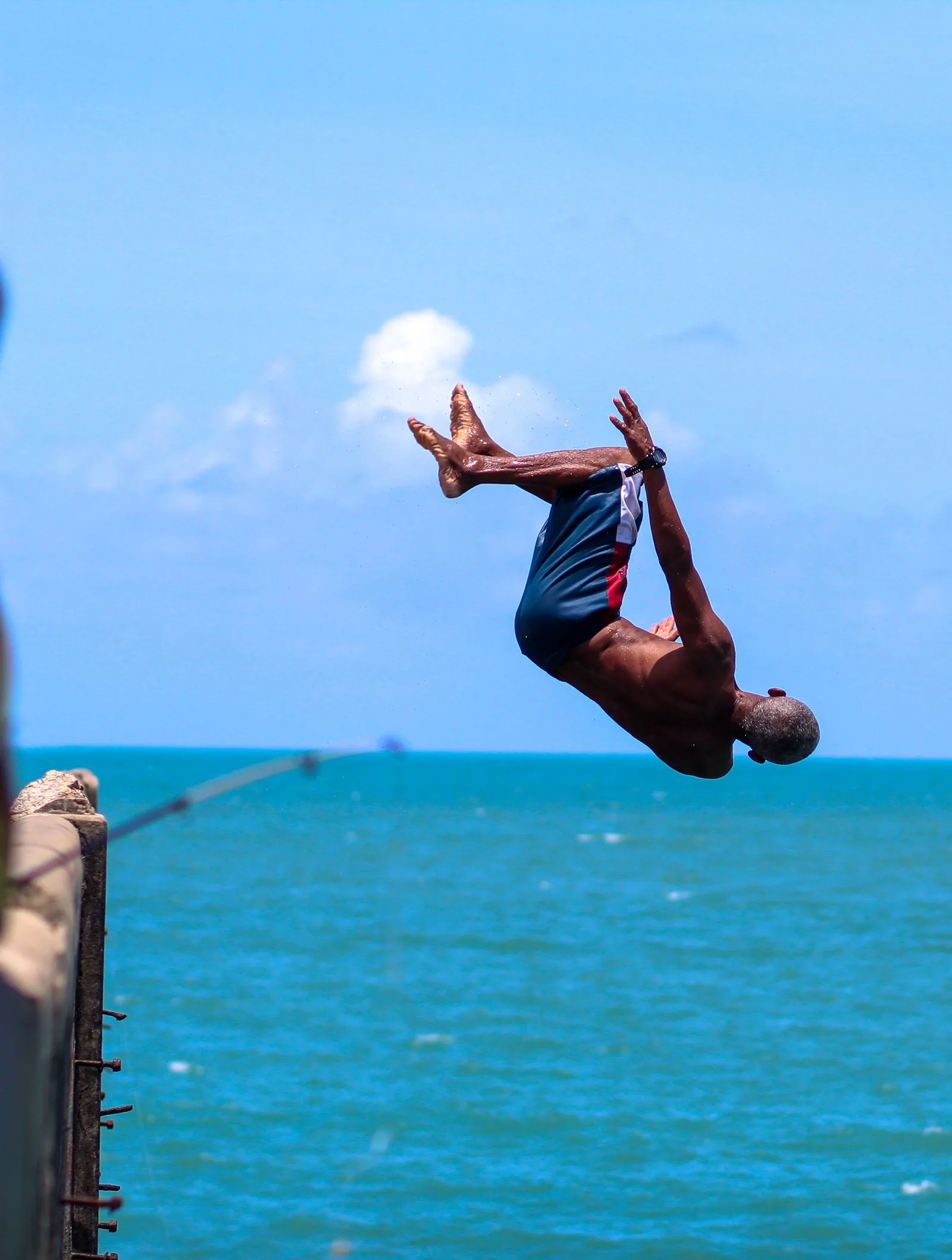
Namaste, friends. Your best friend does a flawless backflip off the boat, you press the shutter, and the photo shows… a splash and a foot. We have all been there. Dev here, and today we are fixing that forever with two features hiding in your phone camera: burst mode and Live Photos. It’s not a bug, it’s a feature: your phone can shoot faster than your reflexes.
Why Single Shots Miss There is always a tiny delay between seeing the moment and your finger reacting. With fast action, a jump, a dive, a dance move, a wave hitting the rocks, that delay is the difference between a legendary photo and a blurry elbow. The trick is to take many frames and pick the best one later.
Burst Mode: Many Photos in a Second Burst mode fires off a rapid series of photos while you hold the shutter.
- iPhone: in Photo mode, swipe the shutter button to the left and hold it. On some models, you can turn on “Use Volume Up for Burst” in the camera settings and simply hold the volume button.
- Android: on many phones, press and hold the shutter or swipe it down. Some makers call it “continuous shooting” and let you choose what holding the shutter does in the camera settings.
Start the burst just before the action begins and keep holding until it ends. Your phone groups the frames into one stack so your gallery does not explode.
Picking the Winner Open the burst in your gallery and tap “Select” or “Choose”. Scroll through the frames and look for:
- The peak of the action: the highest point of the jump, the arms fully spread.
- A sharp face with eyes open and a good expression.
- Clean edges: no blurry hands, no friend’s arm in the corner.
Keep your favourites and delete the rest so they do not eat your storage.
Live Photos and Motion Photos Live Photos on iPhone, and Motion Photos on many Android phones, record a second or two of video around each photo. That means you can go back and choose a different “key photo” from the moment.
- Open the photo, tap Edit, then the Live Photo icon, and slide along the frames to choose a new key photo.
- Turn it into a Loop or Bounce for a fun little clip of that dive.
- Use Long Exposure for silky water at the beach or light trails at night, with the phone held very still.
Set Up for Success 1. Lots of light helps. Bright sunshine gives the fastest, sharpest frames. Action in dim light tends to blur. 2. Lock focus and exposure. Tap and hold where the action will happen, like the edge of the pier, so the phone is ready. 3. Use the main lens. It usually handles motion better than ultra-wide or zoom. 4. Hold steady. Brace your elbows against your body or lean on something solid. 5. Shoot horizontally for big scenes, vertically for Stories. 6. Clean the lens. Sun cream fingerprints are the enemy of crisp action.
A Few Fun Ideas – The pool jump with arms out like a star. – A friend shaking water from his hair in the sun. – Sails snapping, waves splashing on the bow. – The group leap on the beach, everyone mid-air at once.
Hold the shutter, trust the burst and pick your hero frame later. Namaste, and happy snapping.
Comments
Also give your opinion.

 The Captain Look






Leave a comment