

















Step Into Another World: How to Choose Your First VR Headset
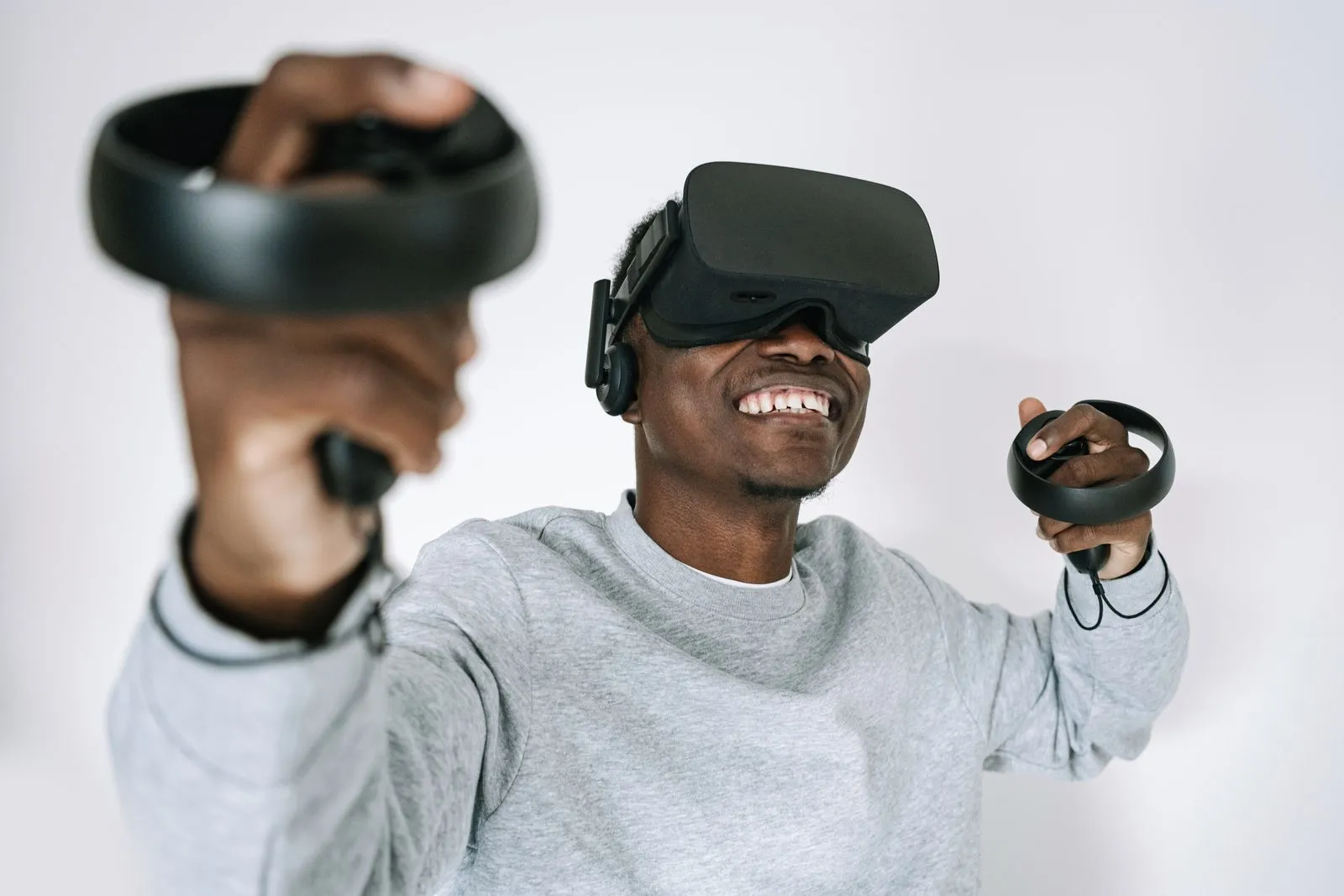
Namaste, friends. Dev here. Imagine boxing to a pounding soundtrack, swimming with whales, dancing on a rooftop or watching a film on a cinema-sized screen, all without leaving your living room. That is virtual reality. VR headsets have become lighter, cheaper and much easier to use, but the choices can still feel like a maze. Let’s decode them, because it’s not a bug, it’s a feature.
Standalone or Tethered?
This is the first and biggest decision.
- Standalone headsets have everything built in: the screens, the computer and the battery. You switch them on and play. No cables, no gaming PC. Perfect for beginners.
- PC-powered headsets connect to a gaming computer, by cable or wirelessly. They can show richer, more detailed worlds, but you need a powerful PC and more set-up.
- Console headsets work with a specific games console. Great if you already own that console.
For most first-timers, a standalone headset is the friendliest choice, and many can also connect to a PC later if you catch the bug.
Comfort Is King
You will wear this thing on your face, so comfort matters as much as the specs.
- Weight and balance: a headset that is front-heavy can feel tiring. Look for a well-padded head strap, or consider an upgraded strap that moves weight to the back.
- Glasses: if you wear glasses, check that the headset has room for them or offers prescription lens inserts.
- Lens adjustment: the distance between your eyes varies from person to person. Headsets that adjust to your eyes give a sharper, more comfortable picture.
- Facial interface: a removable, wipeable face cushion is easier to keep clean.
What the Specs Mean
- Resolution: higher numbers mean sharper images and less of a “screen door” effect.
- Refresh rate: higher rates, like 90 or 120 Hz, give smoother motion and can feel more comfortable.
- Field of view: how wide the world looks. Wider feels more immersive.
- Passthrough: cameras that let you see your real room. Colour passthrough lets you mix virtual objects with your surroundings, which is great for fitness and for not tripping over the coffee table.
- Battery life: standalone headsets usually last a couple of hours per charge.
Make Room to Play
You need a clear space, ideally about two by two metres for active games, though many experiences work seated or standing still. Move furniture, keep pets out of the play zone and set up the virtual boundary the headset asks you to draw. Wrist straps on your controllers are your best friends, and a ceiling light in the wrong place has ended many a dramatic sword swing.
Easing Into VR
Some people feel a little queasy in VR at first, especially in games where you glide around without moving your body.
- Start with short sessions of 15 to 20 minutes.
- Pick games where you stand still or teleport, rather than smooth movement.
- Stop as soon as you feel uncomfortable and rest before trying again.
- Many people find their “VR legs” after a few sessions.
What to Do in There
- Fitness: rhythm games, boxing and dance apps are genuinely sweaty workouts.
- Social spaces: meet friends as avatars, watch films together or join live events.
- Travel and nature: explore cities, oceans and even space.
- Creativity: paint in 3D, make music or sculpt.
- Big-screen viewing: watch films on a giant virtual screen.
Sharing and Hygiene
If friends will use your headset, wipe the face cushion and controllers with suitable wipes after each session, and keep the lenses clean with a soft microfibre cloth only. Never leave the headset in direct sunlight: lenses can focus the sun and damage the screens.
Privacy and Accounts
Most headsets need an account. Check the privacy settings, decide who can see your activity and set up a PIN if others use it.
Ready to step through the portal, friend? Choose comfort, start gently and enjoy every new world. Namaste.
Comments
Also give your opinion.

 The Captain Look






Leave a comment