

















Tap and Go: Clever NFC Tag Tricks That Automate Your Home
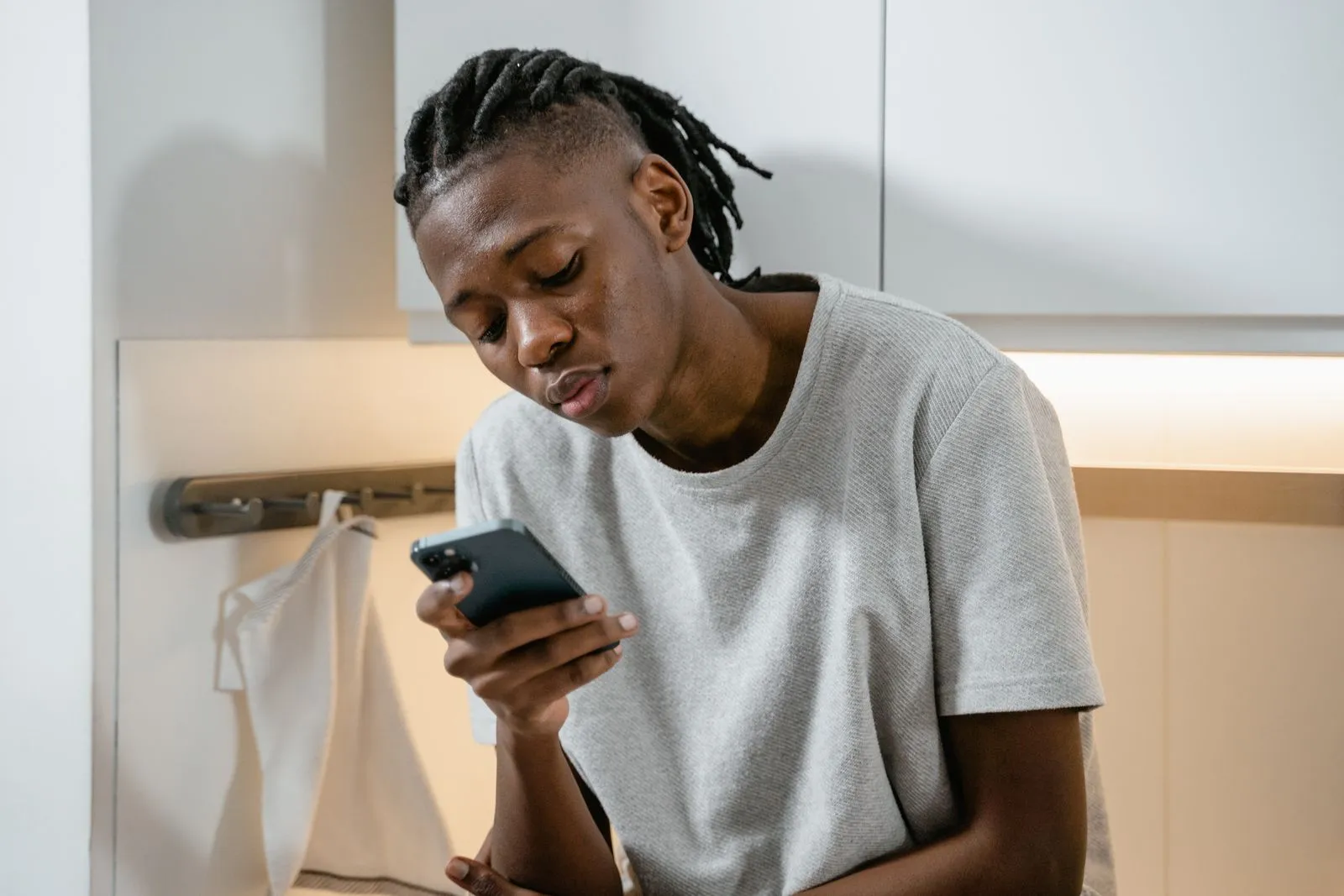
Namaste, lovers of shortcuts. What if tapping your phone on your bedside table switched on do-not-disturb, set an alarm and played your sleep sounds, all at once? That’s the quiet magic of NFC tags: tiny stickers that tell your phone to do something the moment it touches them. They are cheap, need no batteries and turn everyday routines into one satisfying tap.
What Is NFC?
NFC stands for near-field communication. It’s the same short-range technology your phone uses for tap-to-pay. An NFC tag is a small sticker, coin or keyring with a tiny chip inside. It doesn’t do anything by itself. When your phone touches it, the phone reads the tag and runs an action you’ve chosen.
Most modern smartphones can read NFC tags. On many phones, NFC needs to be switched on in settings, and the screen usually has to be unlocked or awake for automations to run.
How to Set Them Up
- Buy blank, writable tags. Common types like NTAG213 or NTAG215 work with almost every phone. Stickers, round discs and key fobs are all available.
- Use your phone’s built-in automation app (such as Shortcuts on iPhone) or a reputable automation or NFC app on Android.
- Create a new automation that starts with “When I tap an NFC tag” (or similar), scan your tag and give it a name.
- Add the actions you want: switch settings, play music, send a message, open an app, control smart lights.
- Stick the tag somewhere logical and test it.
Ideas to Steal
- Bedside table: silence notifications, set tomorrow’s alarm, dim smart lights and start a sleep playlist.
- Front door: tap when you leave to turn off smart plugs and lights, or tap when you arrive to start your welcome-home music.
- Desk: switch on a focus mode, open your work apps and start a timer.
- Car dashboard or phone mount: open navigation and your favourite podcast in one go.
- Gym bag: start your workout playlist and fitness tracking.
- Kitchen: start a cooking timer or open your shopping list.
- Washing machine: set a reminder to hang the laundry in an hour.
- Guest room: a tag that lets visitors join your Wi-Fi with a tap, without reading out the password.
Tips for Success
- Avoid metal surfaces. Metal can block the signal unless you buy special on-metal tags.
- Label your tags discreetly, or use different colours, so you remember which one does what.
- Keep actions simple at first. Two or three steps per tag is easy to fix if something goes wrong.
- Turn off confirmation prompts in your automation app if you want actions to run instantly, where your phone allows it.
Privacy and Safety
Tags can be read by any phone nearby, so don’t write personal information like your address or passwords onto them. Keep the action on your phone, not the data on the tag. Many tags can also be locked so nobody else can rewrite them. Only lock a tag once you’re happy with it, because locking is usually permanent.
Why It’s Worth It
Each tap saves only a few seconds, but small frictions add up. Automating the boring bits frees your attention for things that matter, and it feels a little bit like living in a sci-fi film.
It’s not a bug, darling, it’s a feature. Namaste.
Comments
Also give your opinion.

 The Captain Look






Leave a comment