

















Sweep the View: How to Take Stunning Panorama Photos on Your Phone
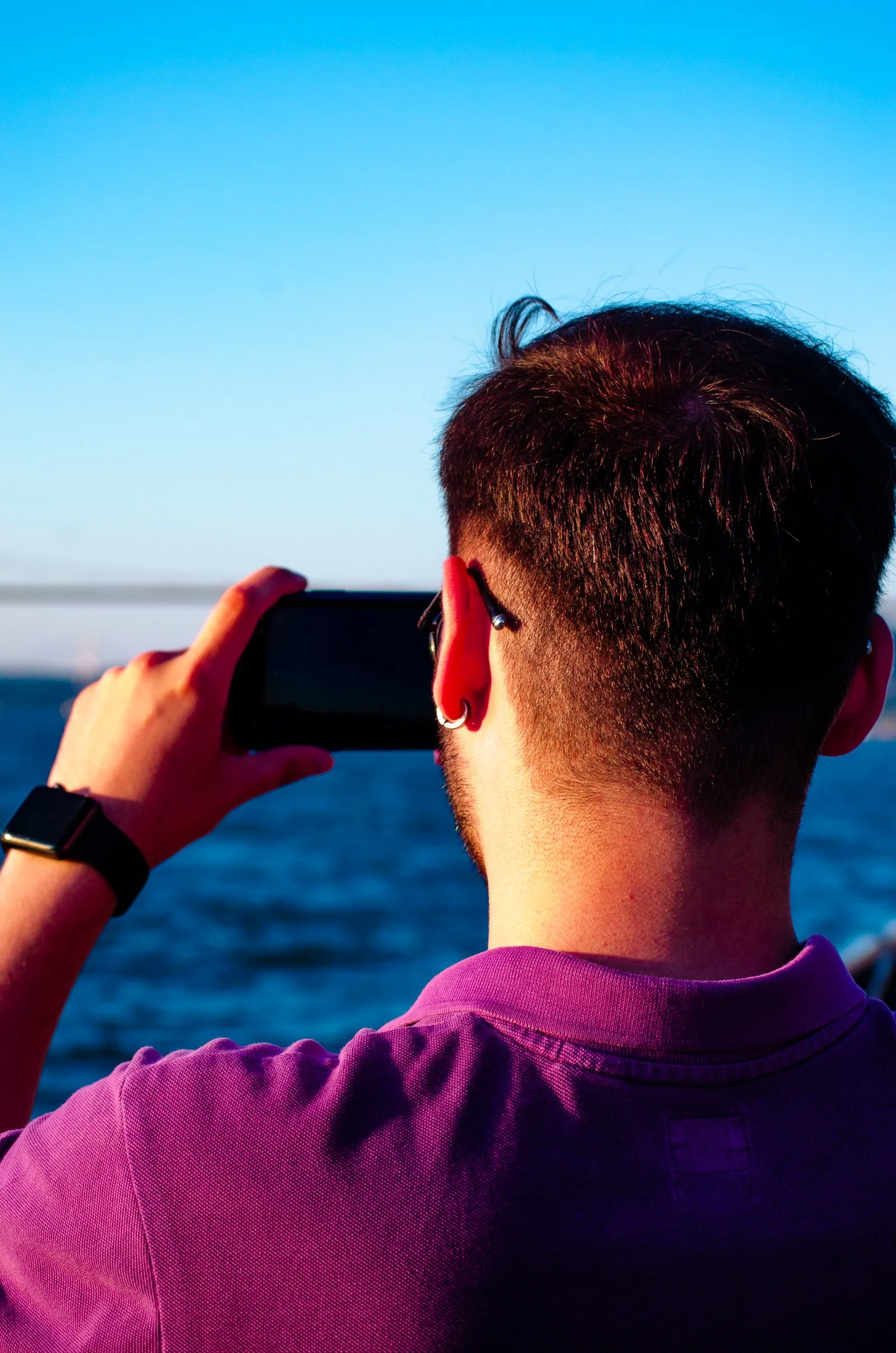
Namaste, gorgeous. Dev here. You are standing on a clifftop, the sea glitters from one side of the world to the other, and your phone squeezes it into a sad little rectangle. Not today. Panorama mode is hiding in your camera app, and with a few tricks it turns wide views into jaw-dropping images. Let’s sweep.
Find the Mode
Nearly every smartphone has a panorama mode built into the default camera app.
- On iPhone: open the Camera app and swipe through the modes until you see Pano.
- On Android: look for Panorama in the modes, often under More depending on your phone’s brand.
When you press the shutter, an arrow or guide line appears. Your job is to move the phone smoothly along that line until you have captured the whole view, then press the shutter again to stop. The phone stitches the frames together automatically. It’s not a bug, it’s a feature.
The Perfect Sweep, Step by Step
- Plant your feet. Stand shoulder-width apart and rotate from your waist, not by walking or swinging your arms. Imagine your phone is on a turntable.
- Keep the phone upright. Holding it vertically, in portrait orientation, gives a taller panorama with more sky and sea.
- Follow the line. Keep the arrow on the guide line. Drifting up or down gives wavy horizons and cropped edges.
- Move slow and steady. Rushing causes blur and stitching errors. If the phone says “slow down”, listen.
- Know where to stop. You do not have to sweep a full circle. Stop when the view is complete.
Tip: most phones let you tap the arrow before you start to change direction, left to right or right to left.
Avoid the Glitches
Ghosts and stretched people. Moving people, cars and boats can appear twice, chopped in half or strangely stretched. Wait for a quiet moment, or start your sweep away from the movement so it is captured in one frame.
Bent horizons. Keep the horizon in the same spot on your screen the whole way. The level guide on your camera can help.
Wild brightness changes. Sweeping from bright sunshine to shade can confuse exposure. On many phones you can tap and hold on a mid-bright area to lock focus and exposure before starting.
Nearby objects. Things very close to you, like railings or a friend’s shoulder, are hardest to stitch. Panoramas love scenery that is a little further away.
Creative Panorama Ideas
- Vertical panoramas. Turn your phone sideways and sweep from bottom to top to capture tall waterfalls, towers or palm trees in one frame.
- The clone trick. Ask a friend to appear at the start of your sweep, then run behind you to appear again at the end. Two of them, one photo. Pure camp.
- Harbours and marinas. Rows of boats under a blue sky look fabulous stretched wide.
- Group shots. A slow sweep around a big table of friends gets everyone in, as long as they stay still and smile.
Share Without Squashing
Panoramas are very wide, so social apps may shrink them. Try:
- Crop a section for a tighter, punchier shot.
- Post it as a carousel, cutting the panorama into equal squares with a free splitting app, so people swipe across the view.
- View it full screen on a tablet or TV, where it truly shines.
Dev’s Final Word
A panorama is just patience with a phone. Plant your feet, sweep slowly and let the whole view in. Your camera roll is about to get very wide, very fast. Namaste, and happy sweeping.
Comments
Also give your opinion.

 The Captain Look






Leave a comment