

















Wide, Main or Zoom? How to Use Every Lens on Your Phone Camera
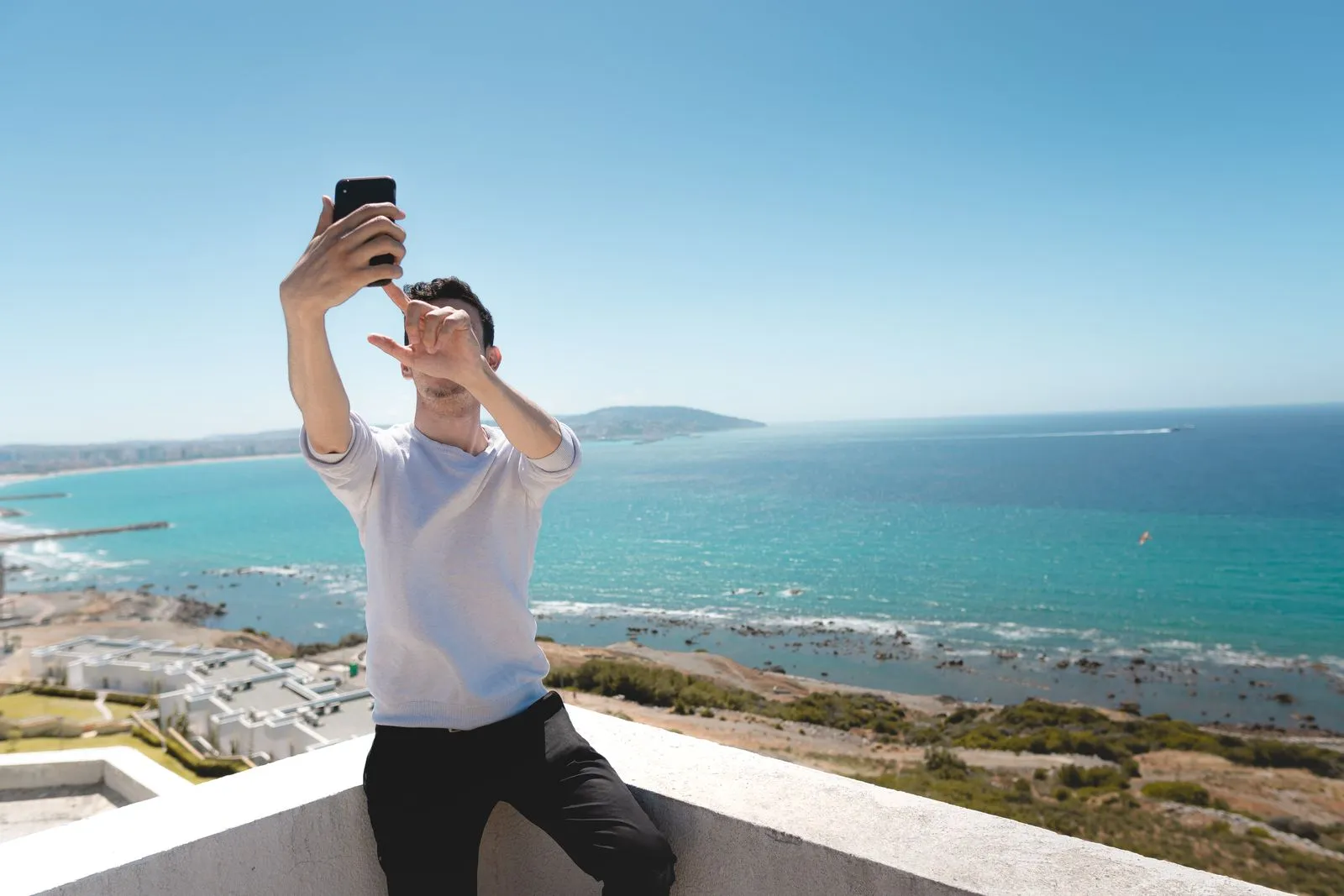
Namaste, shutterbugs. Most phones today carry two, three or even four cameras on the back, and most of us use exactly one of them. Those little circles each have a superpower: one sees the whole scene, one does the everyday work, and one brings faraway things closer. Learn when to switch, and your holiday photos go from nice to “wait, you took that on your phone?” It’s not a bug, it’s a feature.
Meet the Lenses
Open your camera app and you’ll usually see little numbers near the shutter button, like 0.5x, 1x, 2x, 3x or 5x. Each one either switches to a different lens or crops the image from one.
- Ultra-wide (0.5x or 0.6x): sees a huge field of view. Perfect for big landscapes, tight spaces and group shots.
- Main (1x): the biggest sensor and usually the best lens. Your go-to for most photos, especially in low light.
- Telephoto (2x, 3x, 5x and beyond, on phones that have one): brings distant subjects closer and flatters faces.
Which lenses you have depends on your phone, so tap through the numbers and see what yours offers.
When to Use the Ultra-Wide
- Sweeping views: a whole beach, a mountain range or a harbour full of boats.
- Small rooms and hotel suites where you can’t step back.
- Dramatic architecture: stand close to a tall building and tilt up.
- Group selfies and big friend photos.
Watch the edges: ultra-wide lenses stretch things near the corners, so keep people towards the centre of the frame. They’re also usually weaker in dim light, so use them mostly in daylight.
When to Stay on the Main Lens
The main camera usually has the best detail and handles low light best. Use it for:
- Food, drinks and everyday moments.
- Evening and indoor photos, where image quality matters most.
- Anything you might want to crop later, because it captures the most detail.
When in doubt, 1x is the safe, beautiful choice.
When to Reach for the Zoom
- Portraits: a 2x or 3x lens flattens features a little and makes faces look more natural than the wide main lens up close. Step back and zoom in for a more flattering shot of your friends.
- Details: a sailboat on the horizon, a carved doorway or a street performer across the square.
- Compressing a scene: zoom makes background mountains or buildings look bigger and closer behind your subject. Gorgeous for travel shots.
Optical vs Digital Zoom
Optical zoom uses a real telephoto lens and keeps the image sharp. Digital zoom crops and enlarges the picture, which loses quality. Many phones blend the two cleverly, but as a rule, the preset numbers on screen give the best results. Pinching to zoom far beyond your phone’s telephoto level often ends in mushy photos. Get physically closer if you can.
Bonus: Macro Mode
Many phones can focus extremely close for macro shots, often using the ultra-wide lens behind the scenes. Try it on flowers, textures, coffee foam or a seashell. Some phones switch automatically when you get close; others have a macro button or setting.
Quick Tips for Better Shots
- Wipe the lenses with a soft cloth before shooting. Pocket smudges ruin more photos than bad settings.
- Tap to focus on your subject, then slide to adjust brightness.
- Switch on the grid in camera settings to keep horizons straight.
- Take a few versions: shoot the same scene at 0.5x, 1x and 3x, then keep your favourite.
Dev’s Final Word
Your phone is a little camera bag in your pocket. Switch lenses with intention, and every trip, brunch and sunset gets the shot it deserves. Namaste, and happy snapping.
Comments
Also give your opinion.

 The Captain Look






Leave a comment