

















Beyond Auto: A Simple Guide to Pro Mode on Your Phone Camera
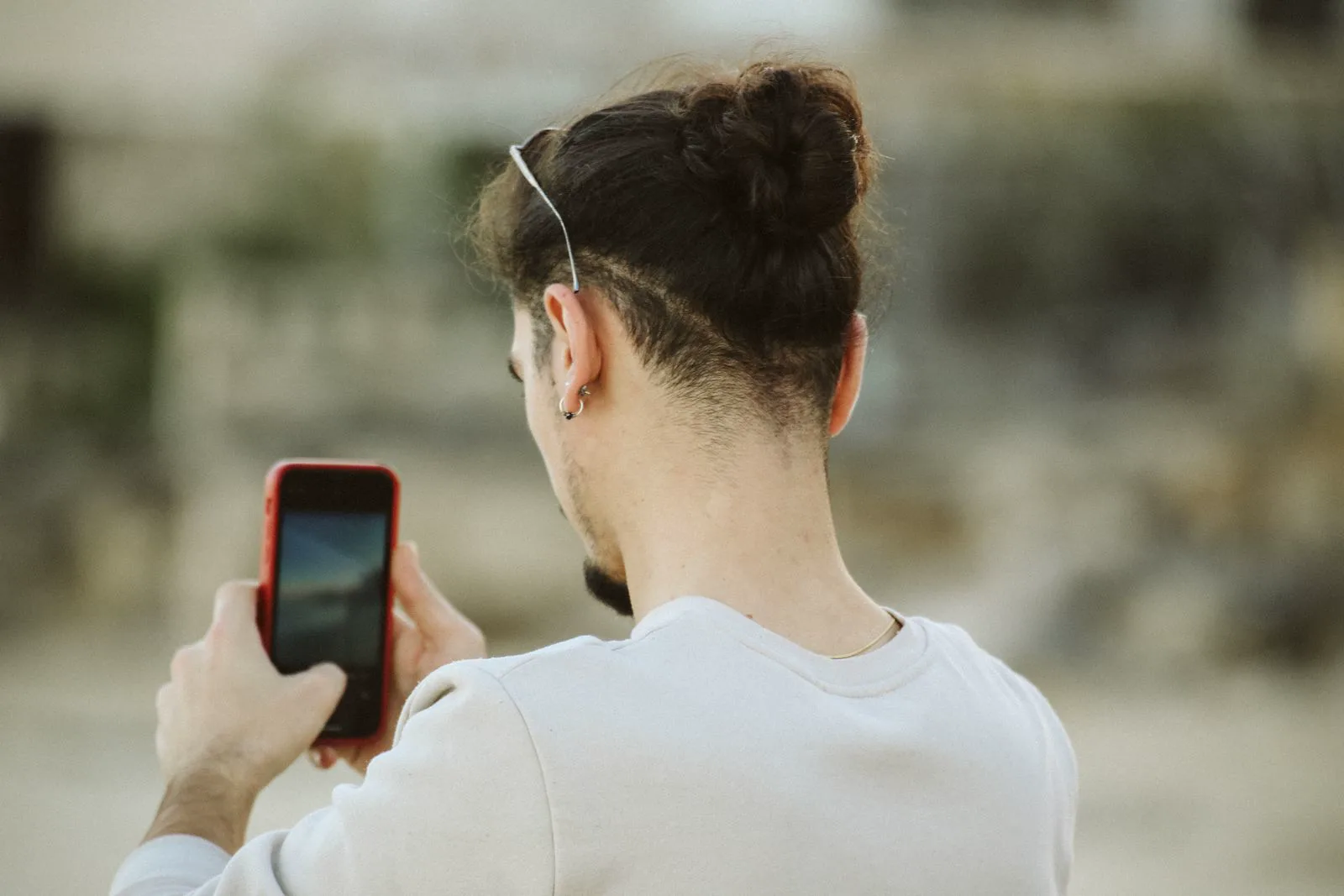
Dev Kamal here, Sailor Geek. Namaste. Your phone’s automatic camera is a genius most of the time. But now and then it gets confused: the sea turns white, the sunset goes muddy, the dancer becomes a blur. That is when the pro or manual mode steps in and hands you the controls. It looks scary, all those letters and sliders, but there are only a handful of settings to understand. Let us demystify them.
Where to Find It
Many phones have a “Pro” or “Manual” option in the camera modes. On others, you get similar control through a third-party camera app. Either way, you will see settings such as ISO, shutter speed (S), white balance (WB), focus (MF) and exposure compensation (EV).
The Exposure Trio, Simply Explained
- Shutter speed: how long the camera “looks” at the scene. Fast speeds like 1/1000 freeze a splash or a jump. Slow speeds like 1/4 blur movement, turning waterfalls silky but making handheld shots shaky.
- ISO: how sensitive the sensor is to light. Low numbers (50 to 200) give clean, crisp images in bright light. High numbers brighten dark scenes but add grainy noise.
- Aperture: on most phones this is fixed, so you work mainly with the other two.
The basic trade-off: brighter scenes let you use a fast shutter and low ISO. In darker scenes, you choose between a slower shutter (risk of blur) or a higher ISO (risk of grain).
Exposure Compensation: The Easy Win
If you change only one thing, change this. The EV slider makes the whole image brighter or darker while the camera handles the rest. Bright white beach or snowy-white boat? Push EV up a touch so it does not look grey. Moody sunset? Pull it down to keep the colours rich. Many phones let you do this even in normal mode by tapping and sliding on the screen.
White Balance: Getting Colours Right
White balance tells the camera what “white” looks like under the current light, measured in Kelvin.
- Lower numbers cool the image towards blue.
- Higher numbers warm it towards orange.
Indoor lamps often make photos too orange; lowering the white balance fixes it. At golden hour, a warmer setting keeps the glow instead of neutralising it.
Manual Focus
Autofocus sometimes picks the wrong thing, like a glass in the foreground instead of your friend. Manual focus lets you choose. Many pro modes show “focus peaking”, highlighting sharp edges in colour as you slide. Great for close-ups of flowers, food and textures.
Shooting RAW
RAW files keep far more information than standard photos, which gives you room to fix exposure and colours later in an editing app. The trade-offs: they are much larger and need editing to look their best. Turn RAW on for special shots and keep it off for everyday snaps to save storage.
When Manual Beats Auto
- Bright, high-contrast scenes like beaches and white buildings in strong sun.
- Action: a fast shutter for jumps, dives and dance moves.
- Silky water: a slow shutter with the phone resting on something steady or a mini tripod.
- Light trails from cars or boats at night, with the phone fully stable.
- Consistent colours across a series of photos, by locking white balance.
A Five-Minute Practice
Pick one scene and take the same photo five times, changing only one setting each time. Compare them. Nothing teaches faster than seeing the difference with your own eyes.
Do Not Forget the Basics
Clean the lens with a soft cloth, hold the phone steady with both hands, and use the grid lines to straighten horizons. Pro settings cannot rescue a smudgy lens.
Take control, experiment freely, and keep the shots you love. If one goes wrong, that is not a bug, it is a learning feature. Namaste.
Comments
Also give your opinion.

 The Captain Look






Leave a comment