

















Portrait Mode Like a Pro: Gorgeous Photos of Your Friends on Your Phone
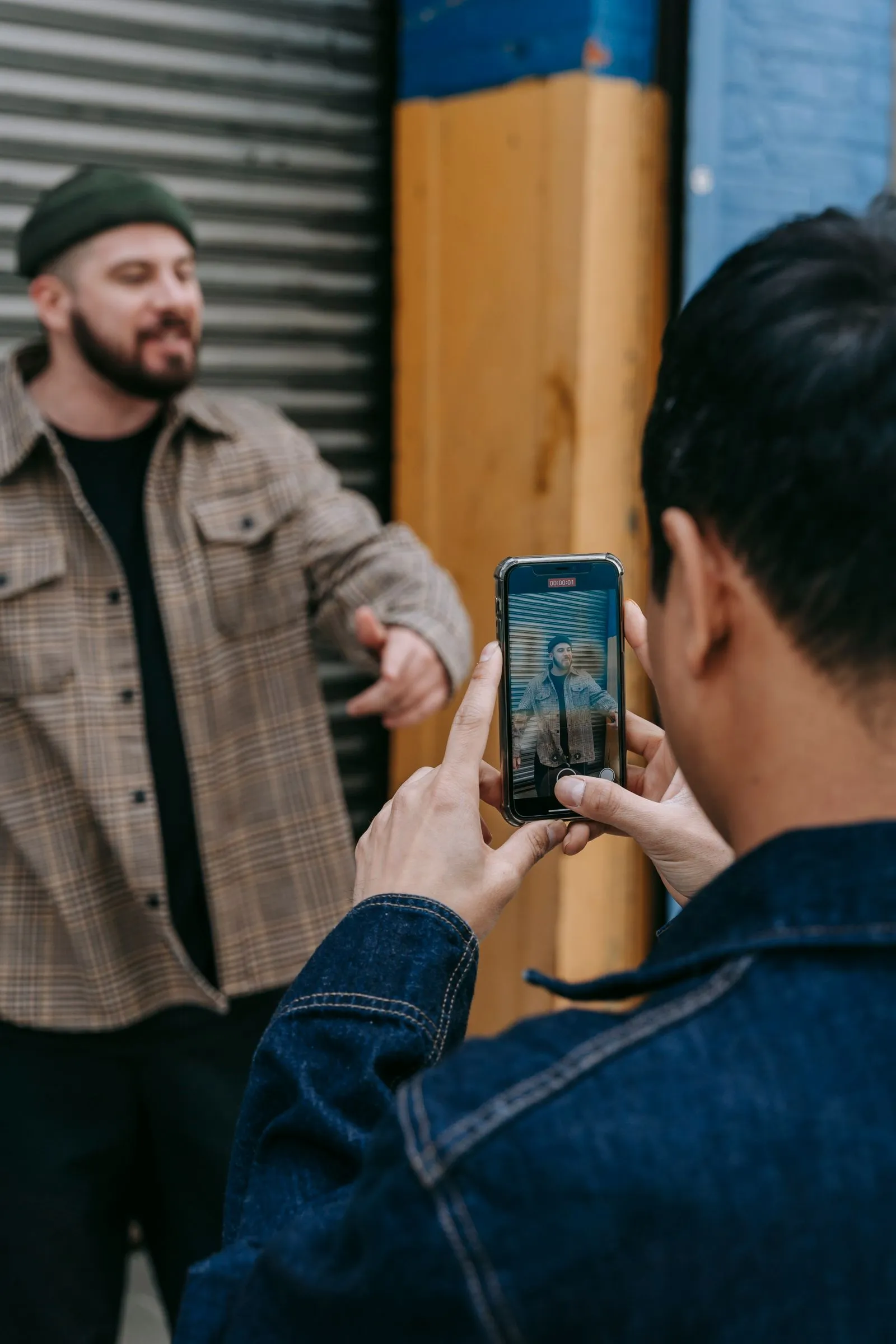
Namaste, shutterbugs. Your phone has a little bit of magic hiding in its camera app: portrait mode. It blurs the background behind your subject so they pop off the screen, just like a photo from a big professional camera. Used well, it turns a quick snap of your best friend into a frame-worthy portrait. Used badly, it gives him fuzzy ears and a halo of weird blur. Let’s get it right.
How Portrait Mode Works
Big cameras create that creamy background blur with large lenses. Phones fake it with clever software. The phone works out how far away everything is, keeps your subject sharp and blurs what’s behind them. Some phones use two lenses, some use a depth sensor, some do it all with software. It’s not a bug, it’s a feature, and it’s very good, as long as you give it what it needs.
Give It the Right Distance
- Not too close, not too far. Most phones want your subject roughly one to two and a half metres away. Your camera app will usually tell you to move closer or further back.
- Separate your subject from the background. The more space between your friend and the wall, trees or sea behind him, the more natural the blur looks.
- Use the zoomed lens if you have one. On many phones, portrait mode offers a 2x or 3x option. A slightly longer lens flatters faces and avoids the big-nose effect of wide angles.
Light Is Everything
Portrait mode loves good light.
- Open shade is the dream: under a tree, a porch or a building’s shadow on a sunny day. Soft, even, flattering.
- Golden hour, the hour after sunrise or before sunset, gives warm, glowing skin.
- Face the light. Have your friend turn towards a window or the bright side of the street.
- Avoid harsh overhead midday sun directly on the face, which casts deep shadows under the eyes.
In dim places, portrait mode can struggle to find edges and may refuse to work. Move to brighter light if you can.
Help It Find the Edges
The software can get confused by tricky details, so make its job easy:
- Avoid busy outlines like frizzy hair against a messy background, glasses with thin frames against similar colours, or hands close to the body.
- Keep the subject still for a second while it focuses.
- Tap to focus on the eyes. Sharp eyes make a portrait.
Compose Like a Photographer
- Shoot at eye level for natural, honest portraits. Lower the phone slightly for a heroic look.
- Leave a little headroom, but don’t park the face dead centre every time. Try placing the eyes on the top third of the frame.
- Watch the background. Even blurred, a bin or a bright sign will distract. Move a step left or right to clean it up.
- Chat while you shoot. The best expressions happen between poses, when your friend laughs at your terrible jokes.
Edit the Blur After the Shot
Here’s the clever bit: on most modern phones you can adjust portrait photos afterwards.
- Change the blur strength. Open the photo, tap edit, and look for a depth or aperture slider. Lower f-numbers mean more blur. Go gentle: too much looks fake.
- Change the focus point on some phones, if you focused on the wrong thing.
- Try the lighting effects. Many phones offer studio or contour light styles. Use them subtly.
- Turn portrait mode off entirely if the edges look strange. You still have the normal photo underneath.
Quick Checklist Before You Tap
- Clean the lens with a soft cloth.
- Good light on the face.
- Space between subject and background.
- Focus on the eyes.
- Take a few shots, then pick the best.
Portrait mode is one of those small features that makes a big difference. Practise on your crew, and soon every group trip will come home with photos worth printing. Namaste, and happy shooting.
Comments
Also give your opinion.

 The Captain Look






Leave a comment