

















Slow It Down, Speed It Up: Phone Slow-Motion and Time-Lapse Made Easy
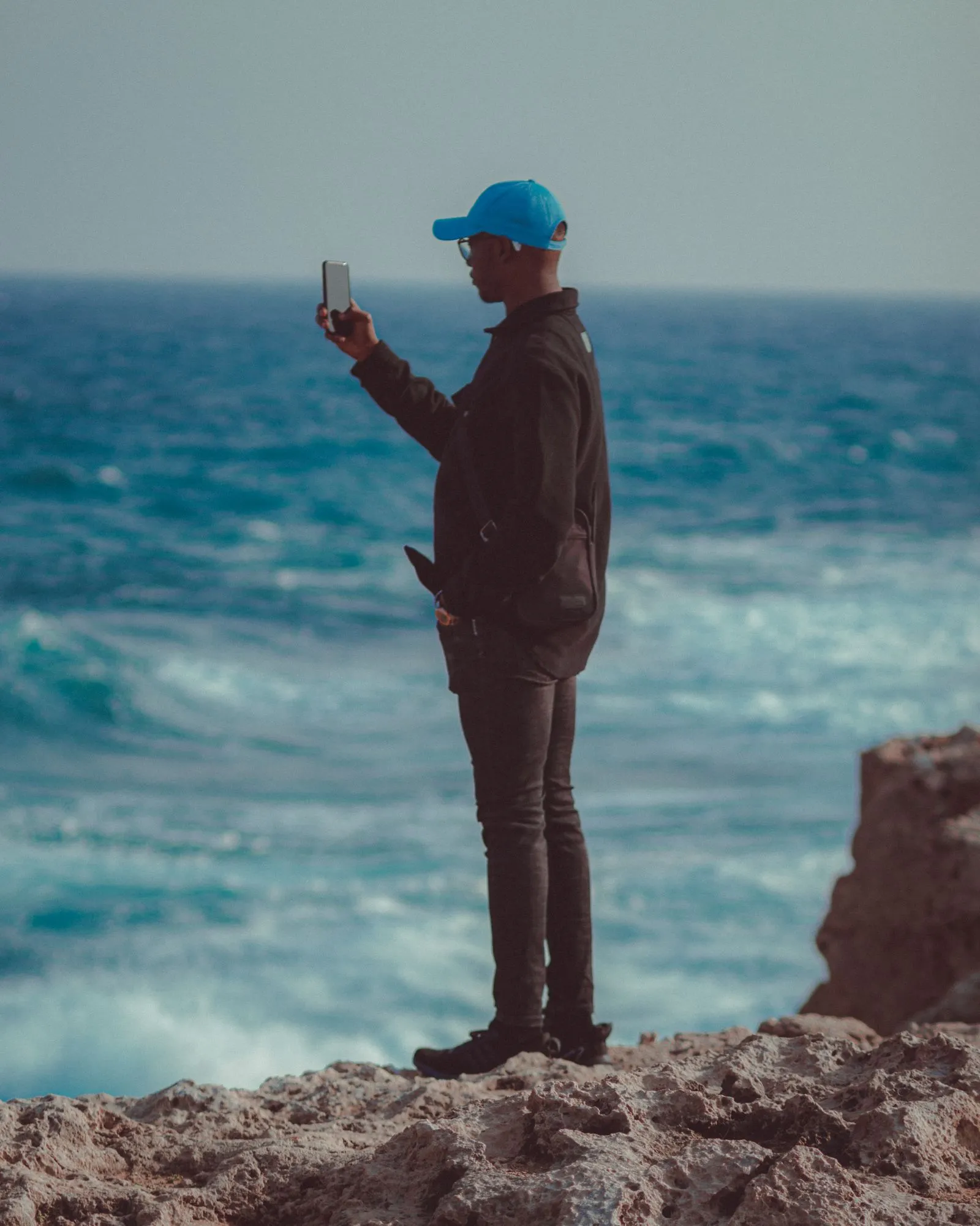
Namaste, little film-makers. Hidden in your phone’s camera app are two magic modes most people forget about: slow-motion and time-lapse. One stretches a split second into something dreamy, the other squeezes an hour into a few seconds of pure drama. Used well, they turn ordinary holiday clips into something friends actually want to watch twice.
The Difference in One Sentence
Slow-motion records lots of frames per second and plays them back slowly, so fast moments become graceful. Time-lapse captures a frame every so often and plays them back quickly, so slow changes become visible.
When to Use Slow-Motion
Slow-mo loves fast, short action:
- A wave crashing against rocks or a friend diving into the pool.
- A champagne pop, confetti cannon or a toss of glitter on the dance floor.
- Hair flicks and spins. Yes, darling, the dramatic hair flip.
- Sports moves: a jump, a kick, a splash, a serve.
- Pets running towards the camera.
Getting Great Slow-Motion
- Light is everything. Slow-mo needs more light because each frame has less time to capture it. Bright daylight gives the cleanest results. Indoors, clips can look grainy or flicker under some lamps.
- Choose your frame rate. Many phones offer 120 or 240 frames per second. 120 is smoother in lower light, 240 gives a slower, more dramatic effect.
- Keep it short. Five to ten seconds of slow-mo is plenty. Long slow-mo gets boring fast.
- Hold steady and let the action move through the frame.
- Edit the slow section. Many phones let you choose exactly where the slow-motion starts and stops after recording.
When to Use Time-Lapse
Time-lapse is made for slow, gradual changes:
- A sunset sliding into the sea.
- Boats moving in and out of a harbour.
- Busy streets and markets filling up.
- Crowds of people arriving at a festival or party.
- Cooking a big meal or setting up a party, from start to finish.
- A long drive with the phone mounted on the dashboard.
Getting Great Time-Lapse
- Stability is non-negotiable. Use a small tripod, a phone clamp, or prop the phone against something solid. Any wobble becomes a jittery mess.
- Record for longer than you think. Phones speed up footage a lot, so ten minutes of recording might become a clip of only twenty or thirty seconds.
- Lock focus and exposure by pressing and holding on the screen, so the picture doesn’t keep jumping as light changes.
- Pick something with movement in part of the frame and something still in another part. The contrast is what makes time-lapse magical.
- Switch on airplane mode or do not disturb so a phone call doesn’t interrupt a long recording.
- Bring a power bank. Long recordings drain the battery.
Mix Them in Your Edits
A holiday clip that mixes normal speed, a quick time-lapse of a sunset and one slow-mo splash feels like a mini movie. Most phones and free editing apps let you combine clips, add music and trim to the beat.
Respect the Moment
Ask before filming people up close, and remember that some experiences are best enjoyed without a screen. Record the shot, then put the phone away and live it.
It’s not a bug, darling, it’s a feature. Namaste.
Comments
Also give your opinion.

 The Captain Look






Leave a comment