

















Smart Door Locks: How to Choose One and Ditch Your Keys for Good
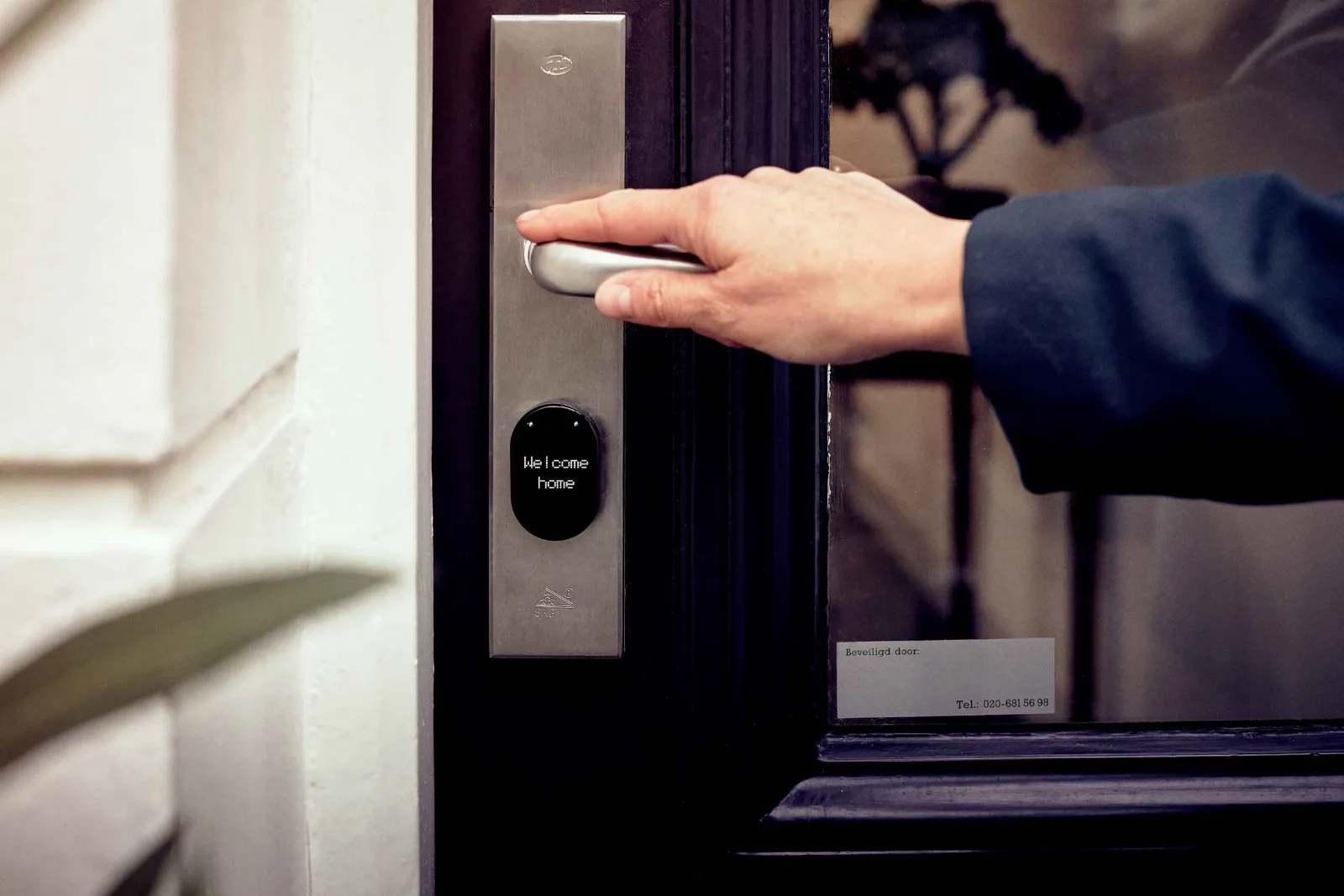
Namaste, friends! Dev here. How many times have you patted your pockets on the doorstep, heart sinking, wondering where your keys went? A smart lock can end that little drama forever. But not every lock fits every door, and security matters, so let’s choose wisely. It’s not a bug, it’s a feature.
What a Smart Lock Actually Does
A smart lock lets you lock and unlock your door without a traditional key, using your phone, a keypad code, a fingerprint or a key card. Most also let you check whether the door is locked from anywhere, share temporary access with guests and see a log of who came and went.
Retrofit or Full Replacement?
- Retrofit locks fit over the inside of your existing lock. Your outside key still works, and installation is usually easy. A good choice for renters, as long as your landlord is happy.
- Full replacement locks swap out the whole lock or handle set. They often add a keypad or fingerprint reader on the outside, but installation is more involved.
Before buying anything, check your door type, lock mechanism and door thickness against the manufacturer’s compatibility list. Doors and lock standards vary a lot between countries.
Ways to Unlock
- Phone app: tap to unlock, or let the lock open automatically when you arrive home.
- Keypad codes: brilliant for guests, cleaners and dog walkers. Give each person their own code.
- Fingerprint: fast and handy, especially with full hands.
- Physical key backup: look for one. Batteries and electronics can fail.
How It Connects
Smart locks talk to your phone and home in different ways: Bluetooth for close range, Wi-Fi for remote control, or a small hub that bridges the two. Some support smart home standards such as Matter, which help them work with different ecosystems and voice assistants. Check that the lock plays nicely with the system you already use.
Security Checklist
- Choose a reputable brand with regular software updates.
- Look for recognised security certifications for the lock hardware where they apply in your country.
- Turn on two-step login for the lock’s app account.
- Use unique codes and delete guest codes once they are no longer needed.
- Be careful with voice unlocking. Many systems require a PIN for unlocking by voice. Keep that switched on.
Batteries and Backups
Most smart locks run on batteries that last months. The app will warn you when they get low, so do not ignore the notification. Many models also have an emergency power option or a key override. Find out exactly how yours works before you need it, not while you are standing outside.
Handy Features Worth Having
- Auto-lock after the door closes, for the forgetful among us.
- Door sensor that tells you whether the door is actually shut, not just locked.
- Scheduled access for regular visitors.
- Activity log showing who came and went.
Is It Right for You?
If you often lose keys, host guests, travel a lot or love a connected home, a smart lock can make daily life smoother. If your door is unusual or your internet is unreliable, a simple, high-quality traditional lock might still be the better call.
Choose carefully, set it up securely, and enjoy the little joy of walking up to your door hands-free. Namaste, and happy unlocking!
Comments
Also give your opinion.

 The Captain Look






Leave a comment