

















Smart Plugs Made Simple: How to Choose One and Put It to Work
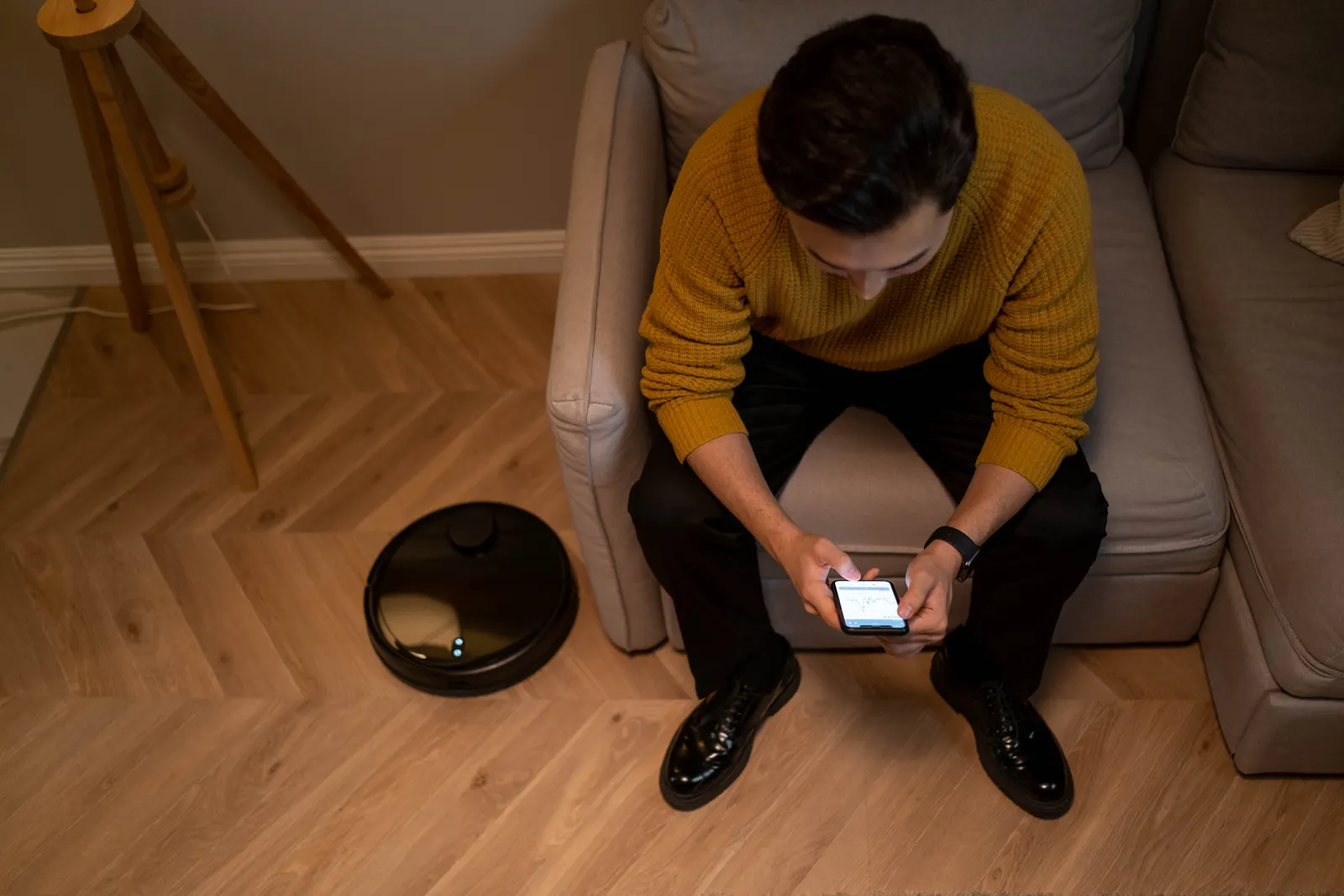
Namaste, friends. If you want to dip a toe into the smart home world without rewiring your flat or spending a fortune, start with the humble smart plug. It sits between the wall socket and whatever you plug in, and suddenly your lamp, fan or coffee machine can be switched on from your phone, on a schedule or by voice. Small gadget, big quality-of-life upgrade. Here is how to choose one and set it up properly.
What a Smart Plug Can (and Cannot) Do
A smart plug simply turns power on and off. That makes it perfect for:
- Lamps and fairy lights.
- Fans, heaters with physical on switches, and dehumidifiers.
- Coffee machines and kettles that start when switched on.
- Chargers, TVs, games consoles and speakers you want to fully switch off.
It cannot change brightness or settings on the device itself. If your appliance needs you to press a button after power returns, the plug will not do that part for you.
What to Look For
- Works with your ecosystem: check it supports the assistant or app you already use. Look for Matter support, an industry standard that lets devices work across the major smart home platforms.
- Connection type: Wi-Fi plugs connect directly to your router; some others need a hub. Matter-over-Thread plugs need a compatible hub or speaker.
- Load rating: check the maximum wattage. Heaters and kettles draw a lot of power, so pick a plug rated for them.
- Energy monitoring: a lovely bonus that shows how much electricity a device uses.
- Physical button: handy when your phone is not nearby.
- Size: chunky plugs can block the second socket on a double outlet.
- Outdoor use: only use plugs rated for outdoors outside.
Setting It Up
- Plug it in and download the manufacturer’s app, or add it through your smart home app if it supports Matter.
- Connect it to your home Wi-Fi. Many plugs only work on the 2.4 GHz band, so check your router settings if pairing fails.
- Give it a clear name, like “Living room lamp”, so voice commands are easy.
- Update the firmware when the app offers it.
Clever Ways to Use It
- Wake-up light: schedule a bedside lamp to switch on gently before your alarm.
- Away mode: set lamps to turn on in the evening while you are travelling, so the home looks lived in.
- Phantom power killer: cut power to the TV and console overnight to stop standby drain.
- Coffee ready: set a basic filter machine (one that starts brewing as soon as it gets power) to switch on just before you get up.
- Energy detective: use the monitoring feature to find out which device is quietly eating your bill.
Safety First
- Never exceed the plug’s rated load.
- Avoid daisy-chaining with extension leads and adapters.
- Do not use smart plugs to run appliances that should not be left unattended, such as irons, hair straighteners or space heaters without built-in safety cut-outs.
- Buy from reputable brands with proper safety certifications.
Privacy Matters Too
Smart devices connect to the internet, so treat them like any other gadget. Use a strong Wi-Fi password, keep the app updated and remove plugs you no longer use from your account.
A smart plug is the easiest way to make your home feel a little bit magical. Start with one, set a schedule and enjoy the glow. It’s not a bug, it’s a feature.
Comments
Also give your opinion.

 The Captain Look






Leave a comment