

















Your Own Wi-Fi Anywhere: Why a Travel Router Is the Smartest Packing Hack
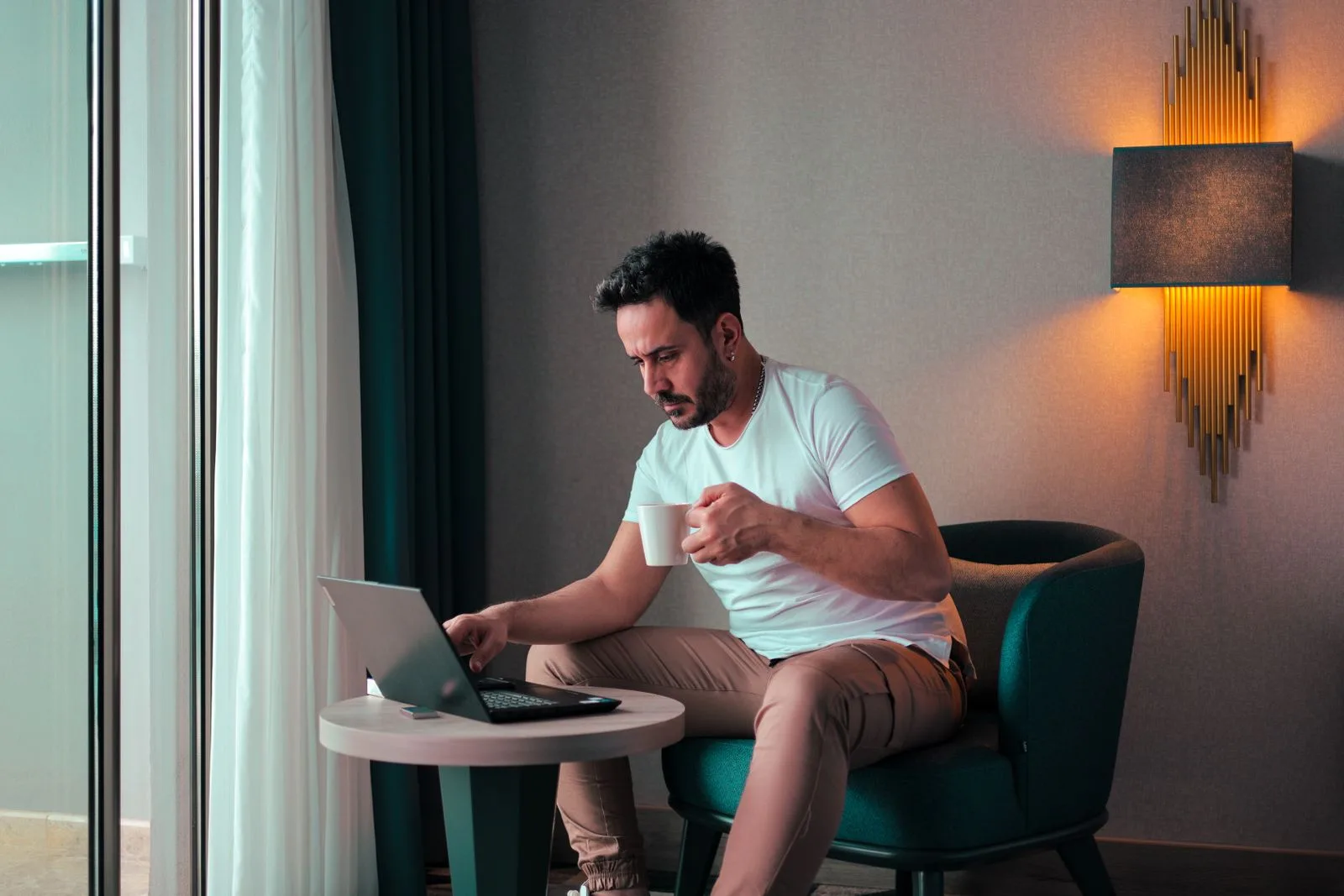
Namaste, friends. Dev here. You arrive at the hotel, glowing from the flight, and then the ritual begins: log in the phone, log in the laptop, log in the tablet, log in the smartwatch, and discover the network only allows two devices. Meanwhile the login page keeps asking for your room number. There is a better way, and it fits in your palm: the travel router. It’s not a bug, it’s a feature.
What Is a Travel Router?
A travel router is a tiny, pocket-sized version of the Wi-Fi box you have at home. It takes an internet connection, from hotel Wi-Fi, a cable in the wall or even a mobile data SIM, and creates your own private Wi-Fi network. All your devices connect to your network, which never changes, wherever you are.
Why It Is Brilliant on the Road
- Log in once. Connect the router to the hotel or rental Wi-Fi, and every device that already knows your network joins automatically. Phone, laptop, tablet, streaming stick: all online in seconds.
- Beat device limits. Many hotels limit how many gadgets each guest can connect. To the hotel, your router counts as just one.
- Extra privacy. Your devices sit behind your own network, rather than directly on a shared public one with strangers.
- VPN for everything. Many travel routers can run a VPN themselves, so every device is protected without installing apps on each one.
- Turn a wired port into Wi-Fi. Some rooms still offer a cable connection that is faster than the Wi-Fi. Plug your router in and enjoy.
- Stream to the TV. Connect a streaming stick to your router’s network, and your films and shows travel with you.
How It Works, Step by Step
- Plug it in. Most travel routers are powered by USB, so a phone charger or power bank does the job.
- Connect to it. Join the router’s Wi-Fi network from your phone and open its app or admin page.
- Choose the internet source. Pick the hotel network from a list, or plug in the cable.
- Handle the login page. If the hotel has a “captive portal” asking for a room number, the router lets you complete it once from your phone. Some routers can then copy that login for all devices.
- Done. Everything else connects to your familiar network automatically.
What to Look For
- Size and power: small, light and powered by USB-C is ideal.
- Dual-band Wi-Fi: both 2.4 GHz and 5 GHz bands give better speed and range.
- Modern Wi-Fi standards: newer standards handle many devices more smoothly.
- VPN support: look for built-in support for popular VPN types if privacy matters to you.
- Ethernet ports: useful for wired connections in hotels and for plugging in a laptop.
- Mobile data option: some models accept a SIM card or connect to your phone’s hotspot, creating Wi-Fi anywhere with coverage.
- A friendly app: setting up in a busy hotel lobby should be quick, not a puzzle.
Smart Set-Up Before You Travel
- Set up the router at home first, so all your devices already know its network name and password.
- Use a strong password and change the router’s default admin login.
- Update its software before you leave.
- Pack a short cable, just in case the room has a wired port.
A Few Honest Limits
A travel router cannot make slow hotel internet faster. If the connection is weak, it will still be weak, just more convenient. And some networks block certain devices or VPNs, so keep a backup plan like a phone hotspot.
Who Will Love One
Digital nomads, couples travelling with lots of gadgets, friends sharing a holiday villa, and anyone who streams in hotel rooms. Once you have tried it, logging in device by device feels prehistoric.
Pack light, connect once and enjoy your holiday instead of the login screen. Namaste, travellers.
Comments
Also give your opinion.

 The Captain Look






Leave a comment